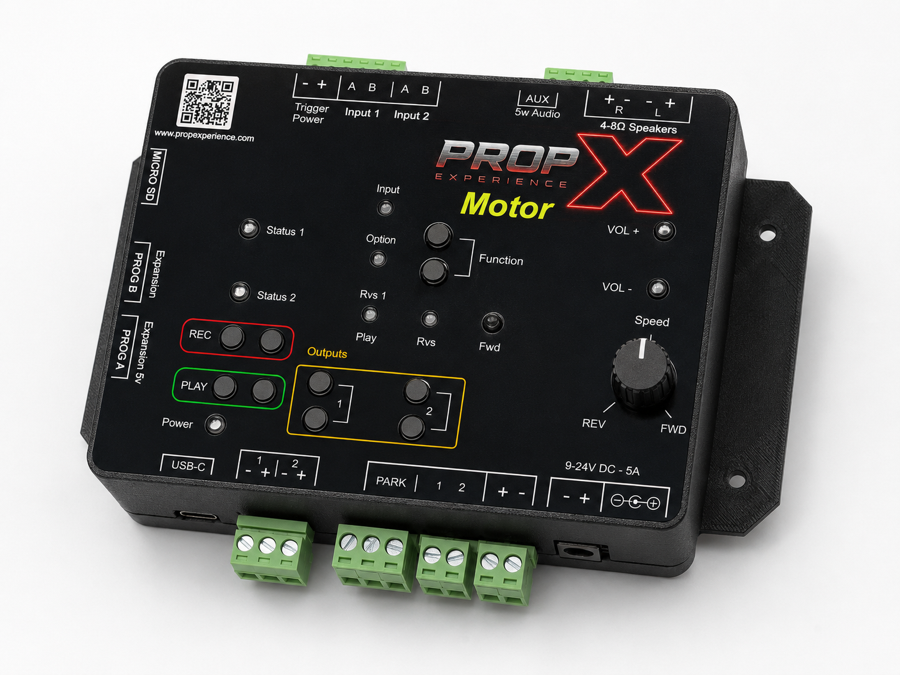
PropX-Motor
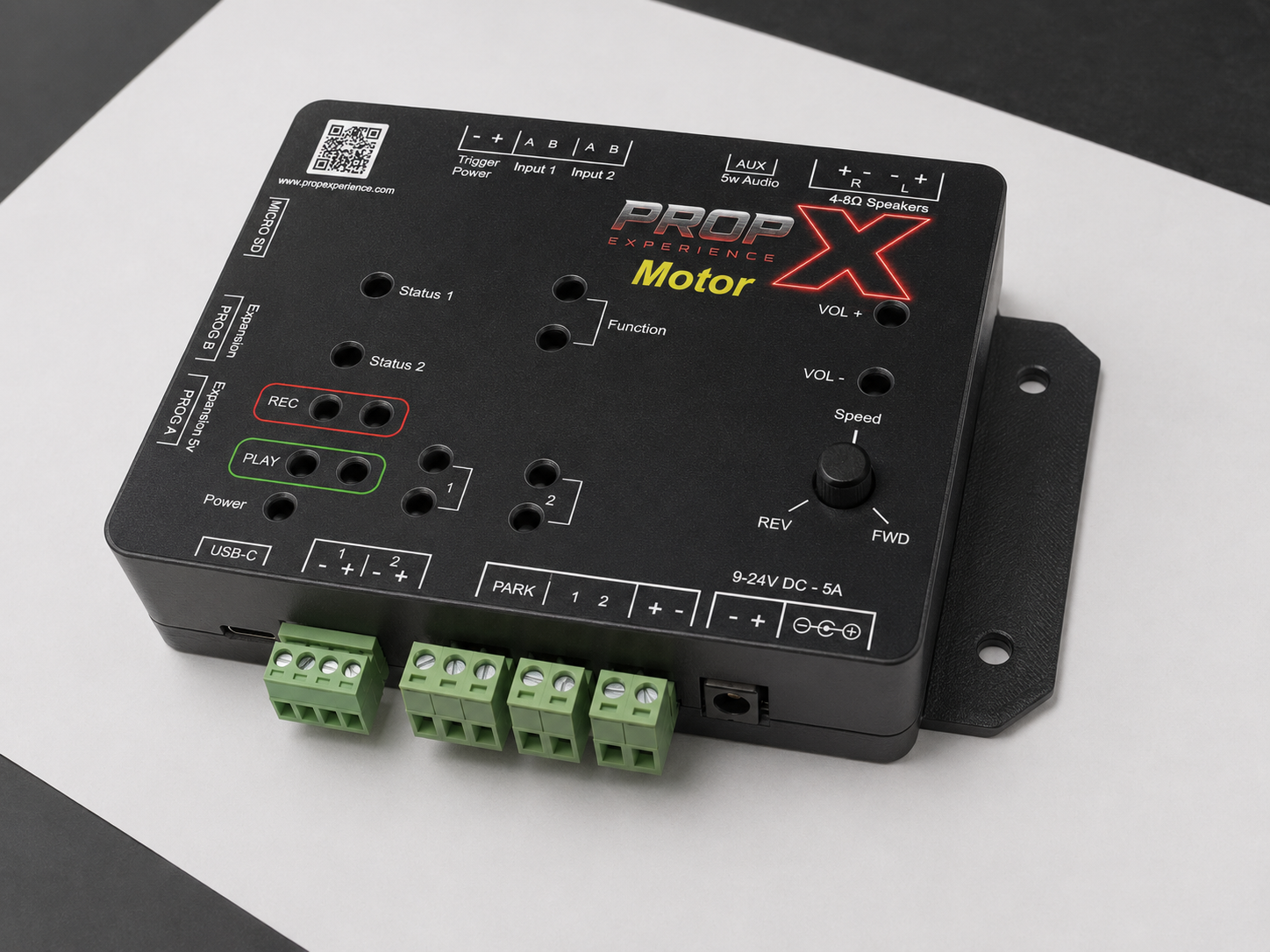
The Pro platform for motor-driven props: speed-controlled DC motor drive with a home-switch return, plus two outputs, triggers, and sound.
Set up
Quick StartWire a DC motor to your PropX-Motor, power up, pair with the app, and run it slowly both ways — with the bench-test safety rule.Setup guideThe complete PropX-Motor walkthrough: mount clear of the mechanism, wire the motor and PARK home switch, test free-spinning, then connect the mechanism.Device tourThe labeled map of the PropX-Motor: motor terminals and PARK home switch, output pairs, trigger inputs, speaker terminals, PROG ports, Speed knob, lights.
Use
Pair your controller with the appAdd a PropX Pro, Motor, Outdoor, or Mini to the PropX Control Center app over Bluetooth — add it from the device list, then confirm pairing mode when the dialog asks. No PIN.Connect your controller to WiFiConnect a PropX Pro, Motor, Outdoor, or Mini to your WiFi network from the app — plus the 5-minute setup-network fallback when Bluetooth can't reach it.Cloud remote control (coming soon)Cloud remote monitoring and triggering for PropX Pro, Motor, Outdoor, and Mini is coming soon. Today, control your controller over Bluetooth with the PropX Control Center app.Update your controller's firmwareUpdate a PropX Pro, Motor, Outdoor, or Mini — from the app over WiFi, or from a MicroSD card — and what the green and red lights mean during an update.
Fix
Reference
SpecsFull PropX-Motor spec table: 9–24 V DC, brushed DC motor drive with a 10 A adjustable limit, PARK home switch, 2 outputs, 76 W stereo audio, WiFi and Bluetooth.FAQReal answers for PropX-Motor owners: which DC motors work, same-position-every-time returns, what happens on a jam, driving by hand, and speaker choices.
Full manual (PDF) — coming soon