
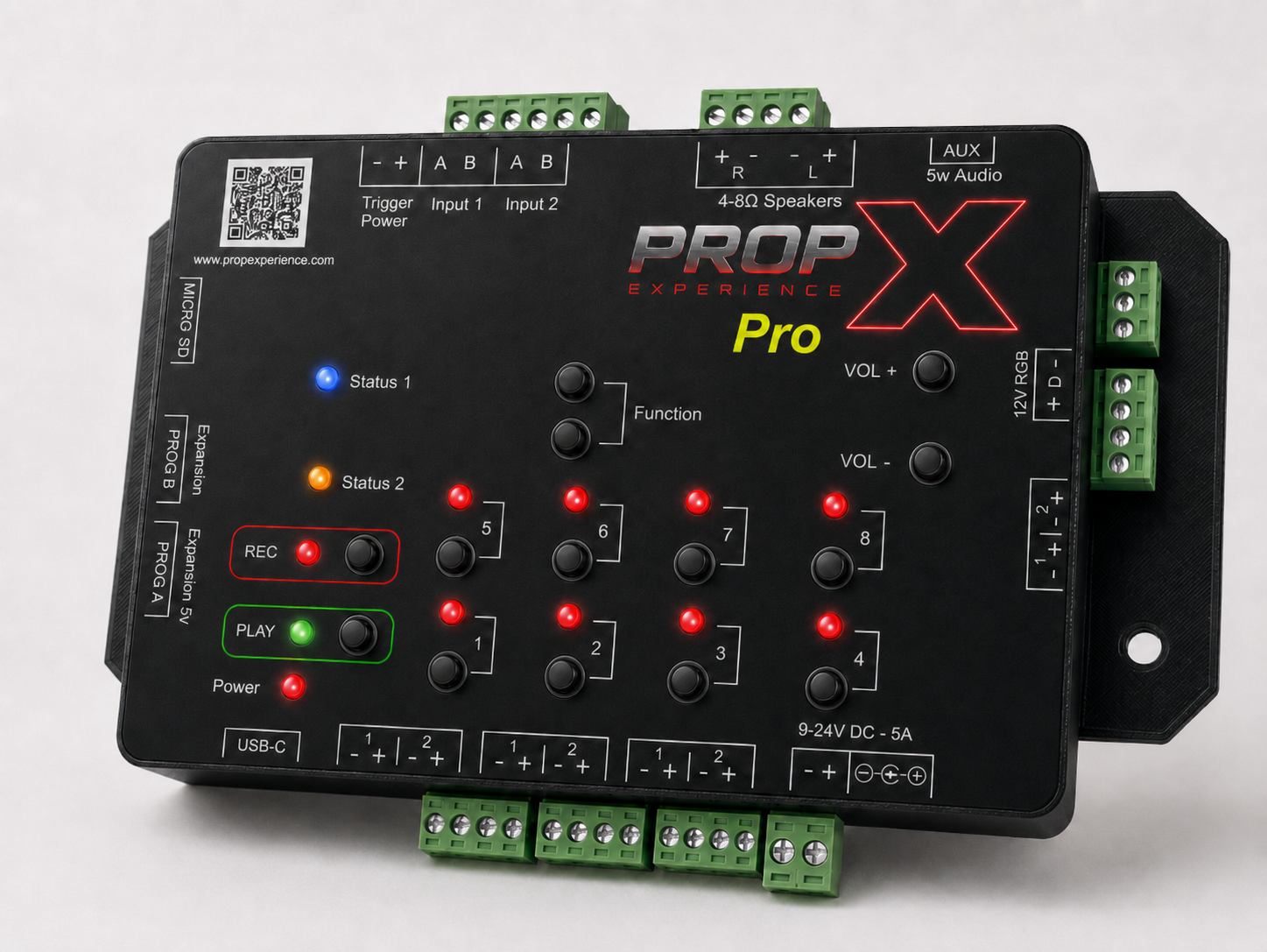
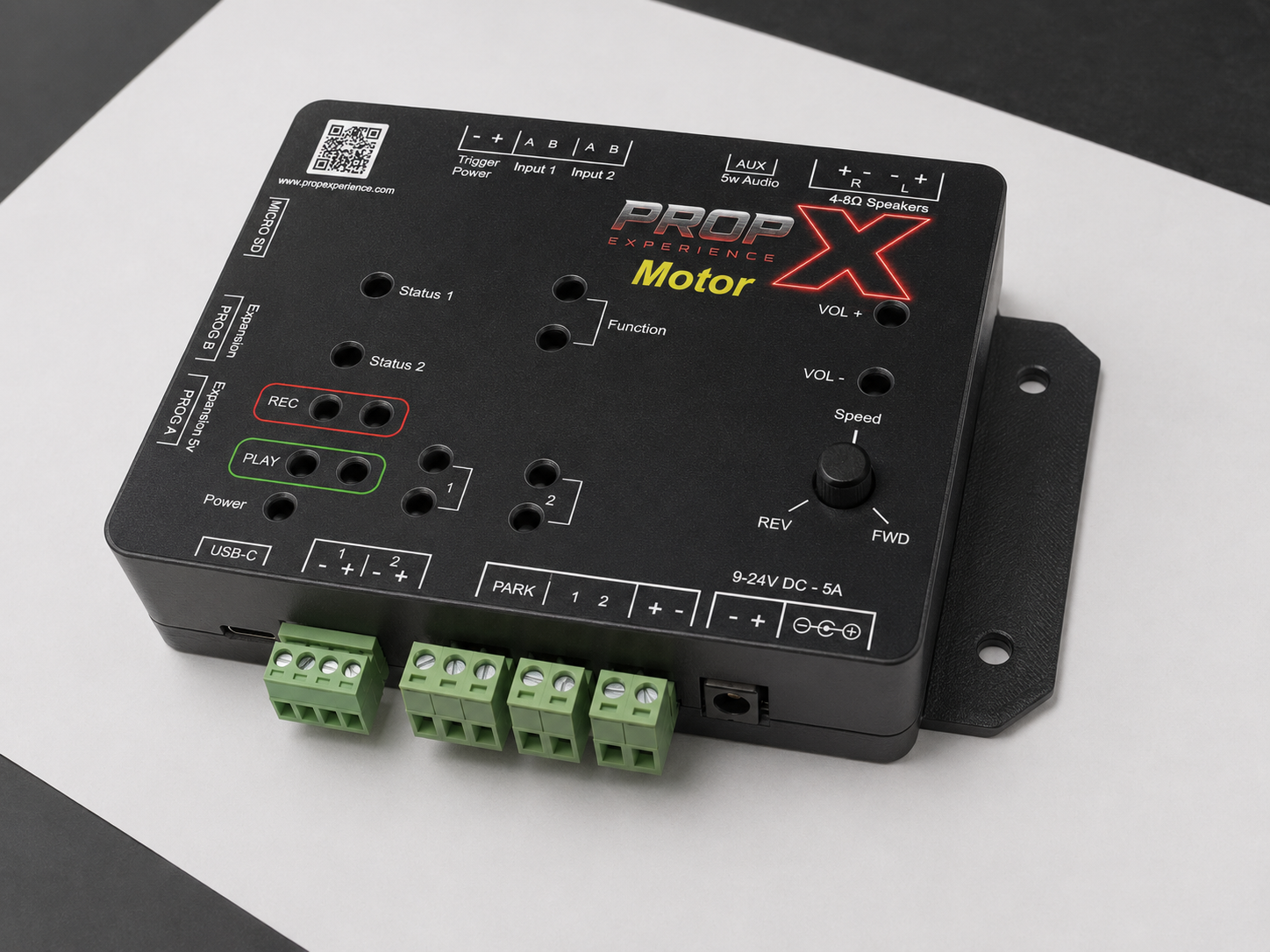
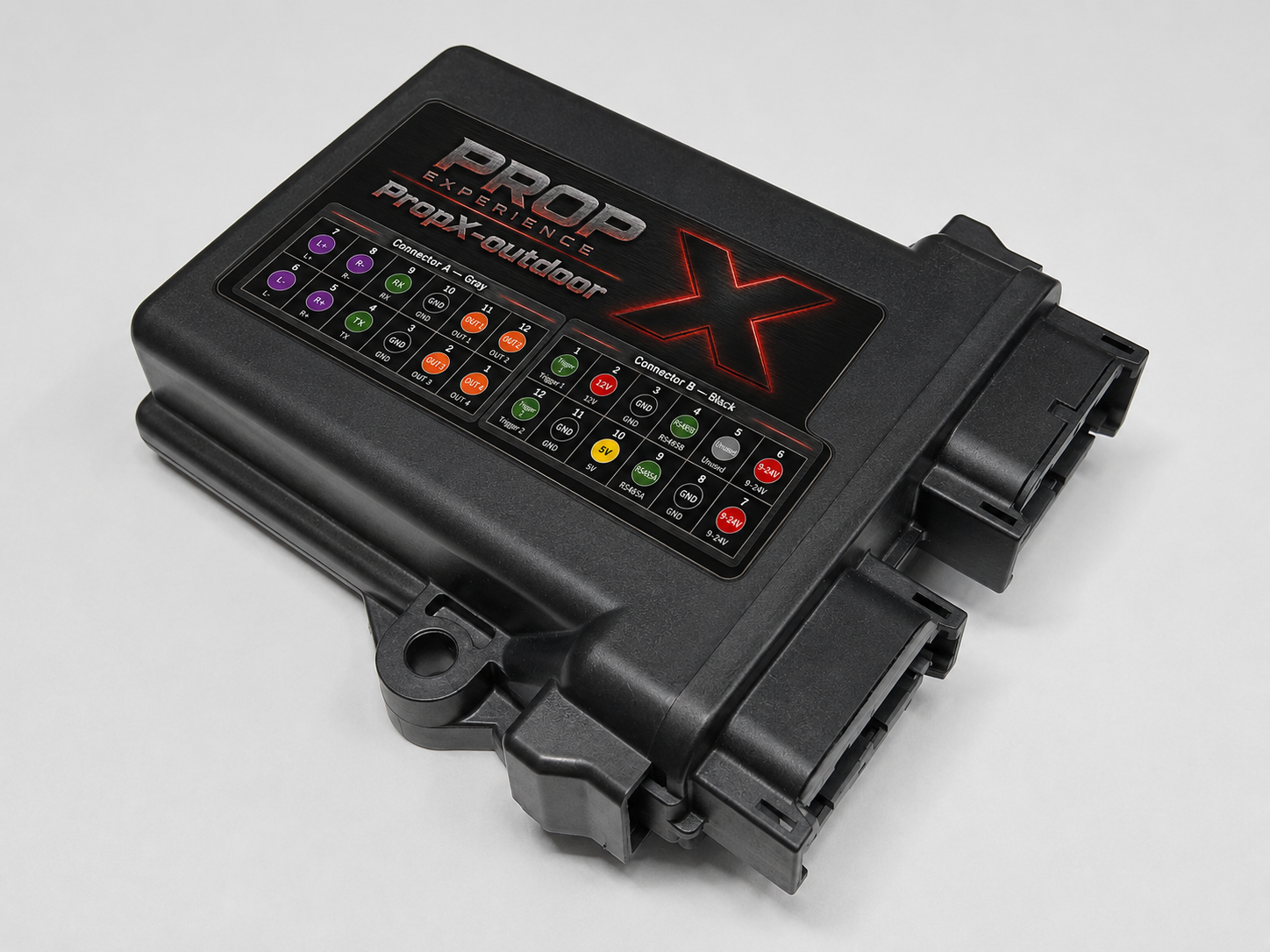
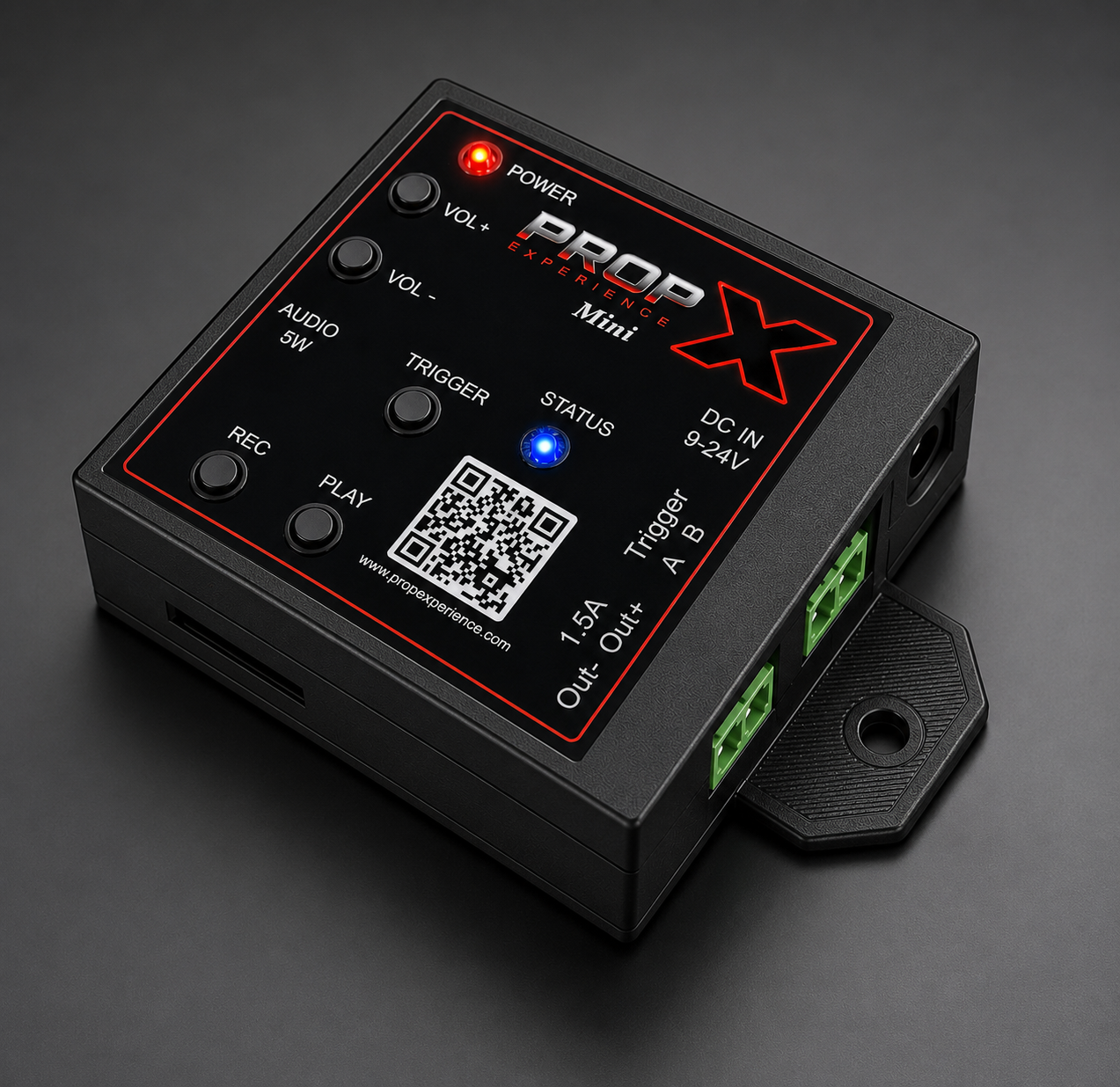
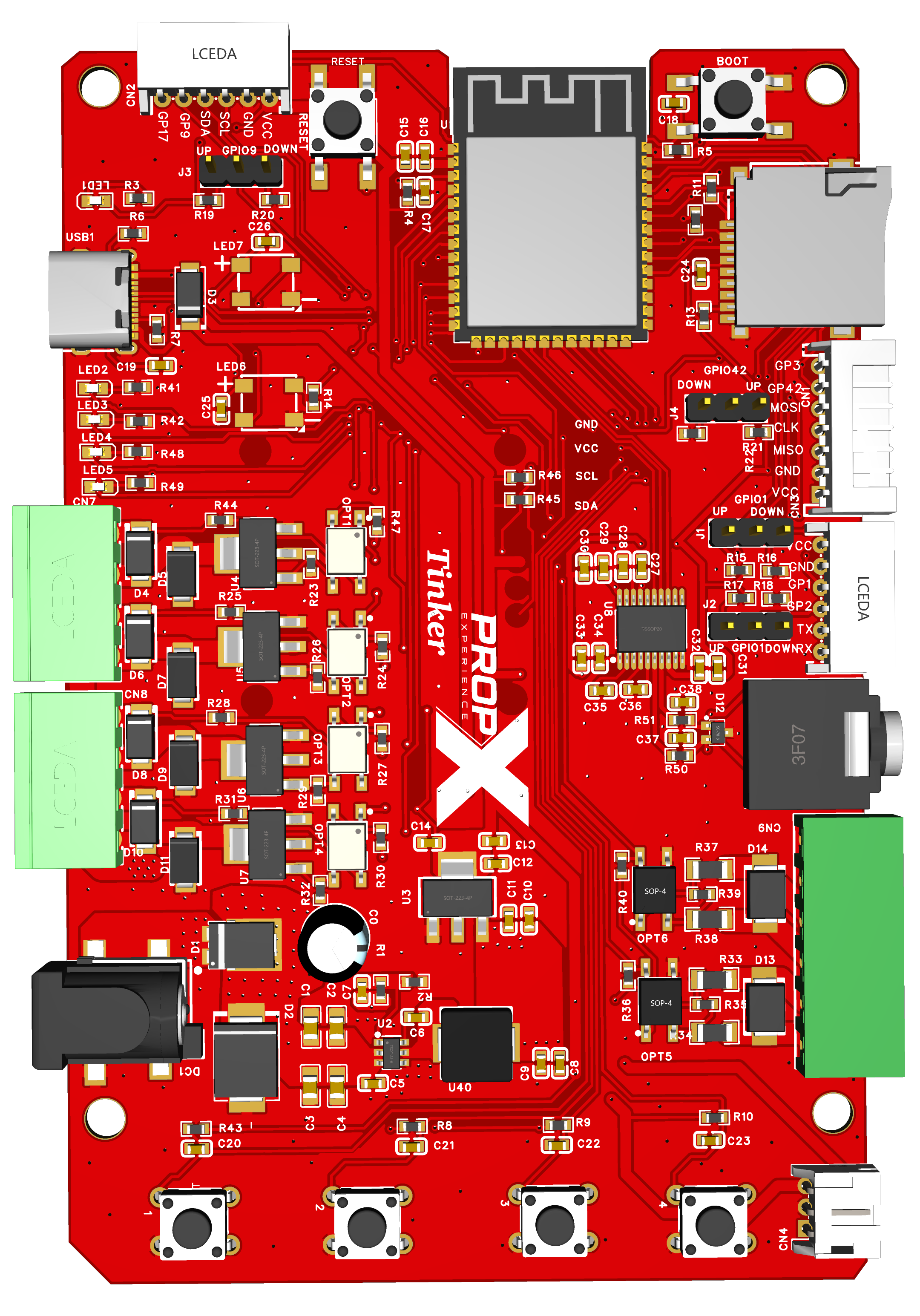
The complete build. Golden rule: test the motor free-spinning before it touches the mechanism, and stand clear on every motion test.
Before you start, you’ll need
- Your PropX-Motor and a 9–24 V DC supply (up to 5 A) matching your motor
- Your motor and mechanism, any home switch, sensors, speaker
- A small flat screwdriver; drill and screws for mounting
- A computer with Bluetooth and the PropX Control Center app
- Time: 30–60 minutes
⚠️ Warning: Treat the mechanism as if it could move at any moment — triggers, shows, the app, and the Speed knob can all start motion. Unplug — not just stop — before working on it.
Mount clear of the mechanism
Mount through the flange holes (163 × 89 mm — units #49), outside the mechanism's travel.
Wire the motor and home switch
Power unplugged. Motor wires to terminals 1 and 2 (either way — swap later if "forward" is backwards). If your mechanism has a home switch (a small switch it presses at its start position), connect it to PARK (second wire — #74).
Extra props and sensors
Props across output pairs 1–2 (+ to +, − to −, 1.5 A max each).
Sensors on Input 1/2's A and B pins (either way); powered sensors feed from Trigger Power.
⚠️ Warning: Trigger Power equals your supply voltage.
Sound (optional)
Speaker into the R pair of the speaker plug (+ to +, − to −); second speaker on L for stereo; 4–8 Ω only; 76 W total — start quiet.
DMX or PropX Mesh (optional)
RJ45 into a PROG port; Mesh role via internal jumpers (#44); Mesh turns DMX off.
Power up
Tug-test every wire, connect power ("9-24V DC - 5A"). You'll see red → green → blue, then Status 1 solid blue.
Pair, WiFi, cloud
- Pair with the app — hold Record + Output 1 for 5 seconds until the light flashes purple, then Scan and Add (name shows as PropX-Motor-…; no PIN)
- WiFi setup · Cloud setup — coming soon
Test the motor, THEN connect the mechanism
⚠️ Warning: Stand clear for every motion test.
In the app, enable the motor and run ~20% both directions. "Forward" backwards? Unplug and swap the two motor wires.
Try dial control: enable it in the app, then the Speed knob drives the motor — center off, FWD/REV, further = faster.
Power off, connect the mechanism, power on, repeat the slow test. Cuts out with a fault? The mechanism is binding — see troubleshooting.
Load sounds and build the show
MP3s (≤32 MB) via MicroSD or the app (card layout — #60). In the app, build shows with motor speed curves — and a "return to start" move that uses your home switch.