Help
Support
Find answers below, or reach out directly — we respond to every message.
Docs & Downloads
Manuals and quick start guides
Video Tutorials
Step-by-step how-to videos
Cloud Dashboard
Coming soon
Frequently Asked Questions
How do I connect my PropX controller to Wi-Fi?+
Power on the controller — it broadcasts for about five minutes so it can be set up. Open the PropX app, connect to the controller directly, and enter your Wi-Fi details there. It joins your network and registers with the cloud automatically.
Do I need a cloud subscription to use PropX?+
Basic operation works offline — your saved sequences run locally. A cloud subscription enables remote monitoring, remote triggering, and multi-device orchestration.
Can I use PropX outdoors?+
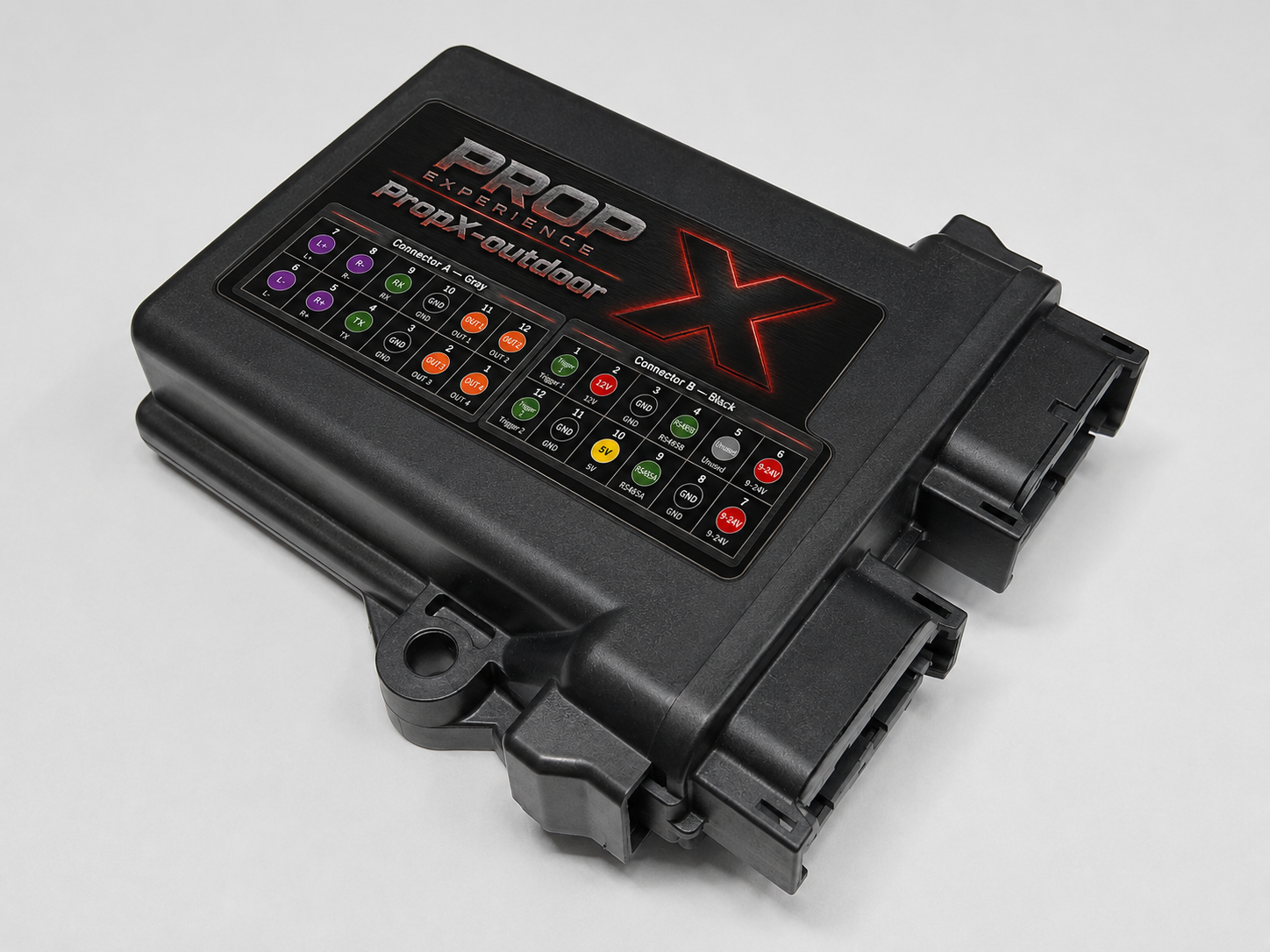
For outdoor installs, use the PropX Outdoor — it comes in a sealed, weatherproof enclosure built for permanent installs. The other boards are conformal-coated, but their connectors are not sealed, so house those in a weatherproof enclosure when used outdoors.
What sensors work with PropX trigger inputs?+
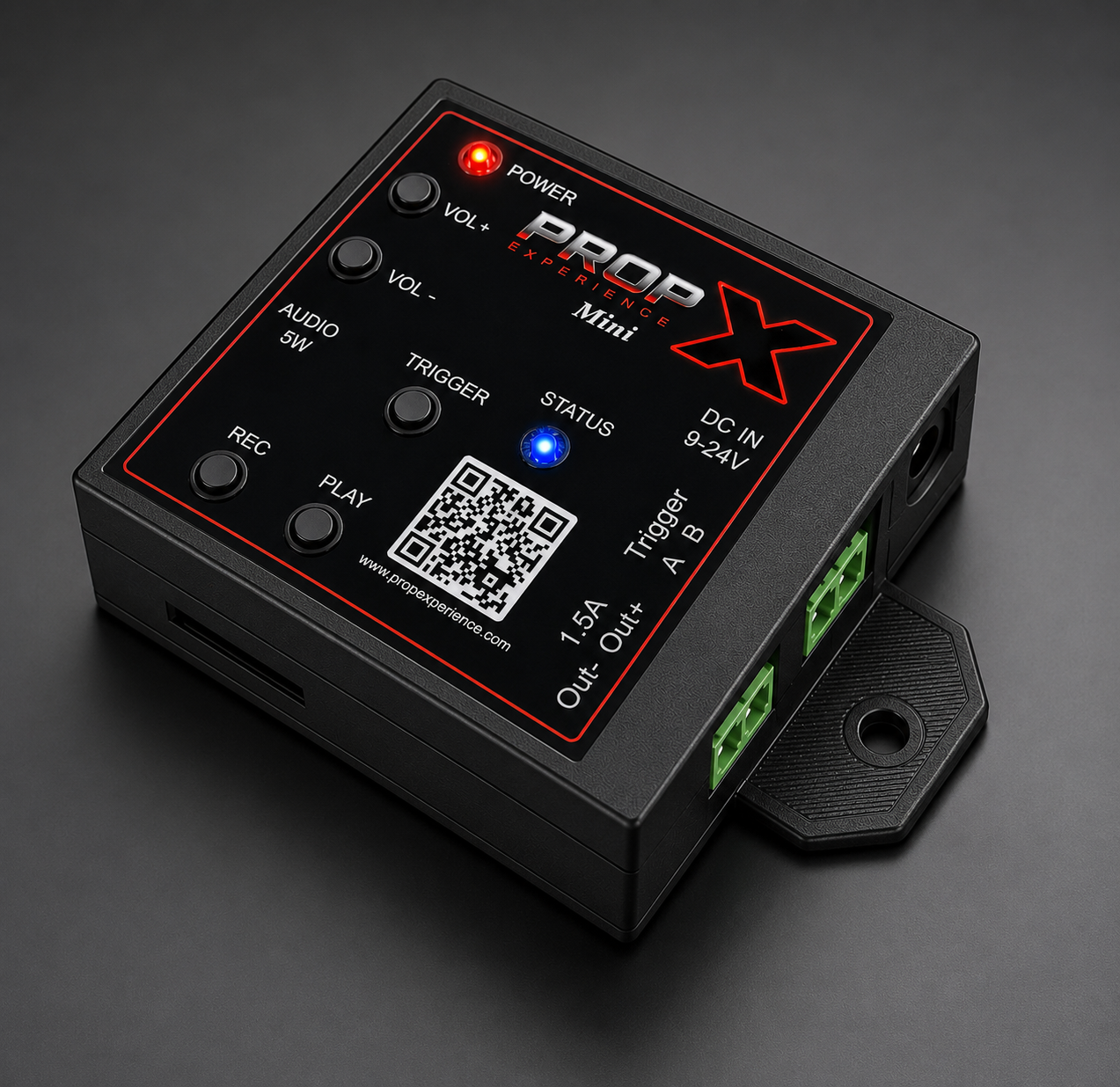
The trigger inputs are dual-polarity and work with common prop triggers — motion sensors, beam sensors, and push buttons — along with standard 3.3V/5V digital sensors.
How do I update the firmware?+
Update firmware through the PropX Configurator desktop app — connect the controller over USB-C and the app walks you through it.
Can I run multiple controllers in sync?+
Yes — the cloud dashboard supports multi-device timelines and trigger groups. You can define a master trigger that fires sequences across any number of controllers simultaneously.
Contact Us
Community
Join the PropX Discord
Get help fast, share your builds, and hear about updates first — straight from the PropX community.
Join the Discorddiscord.gg/kH6mvzMmw

Scan to join