
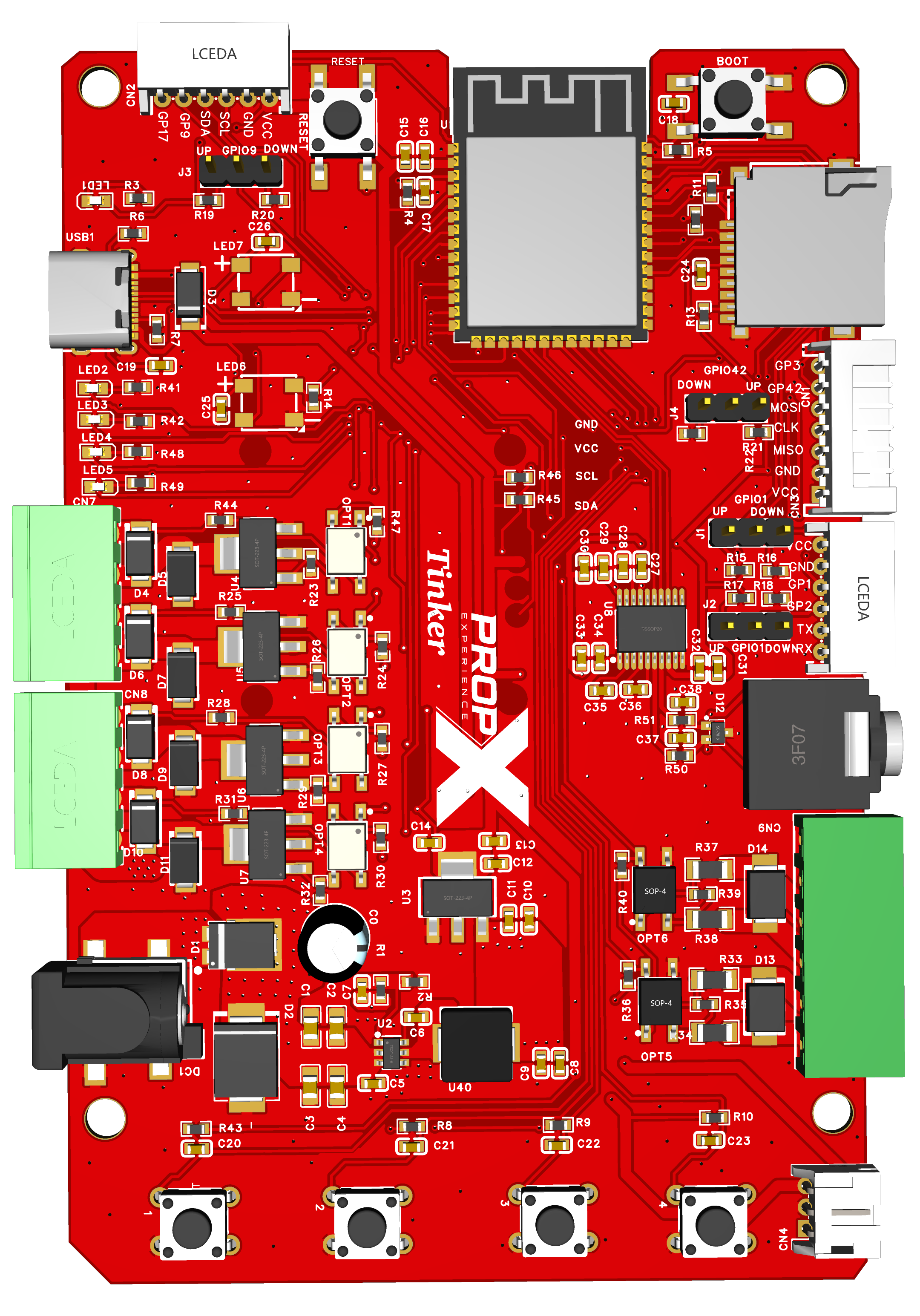
Set up
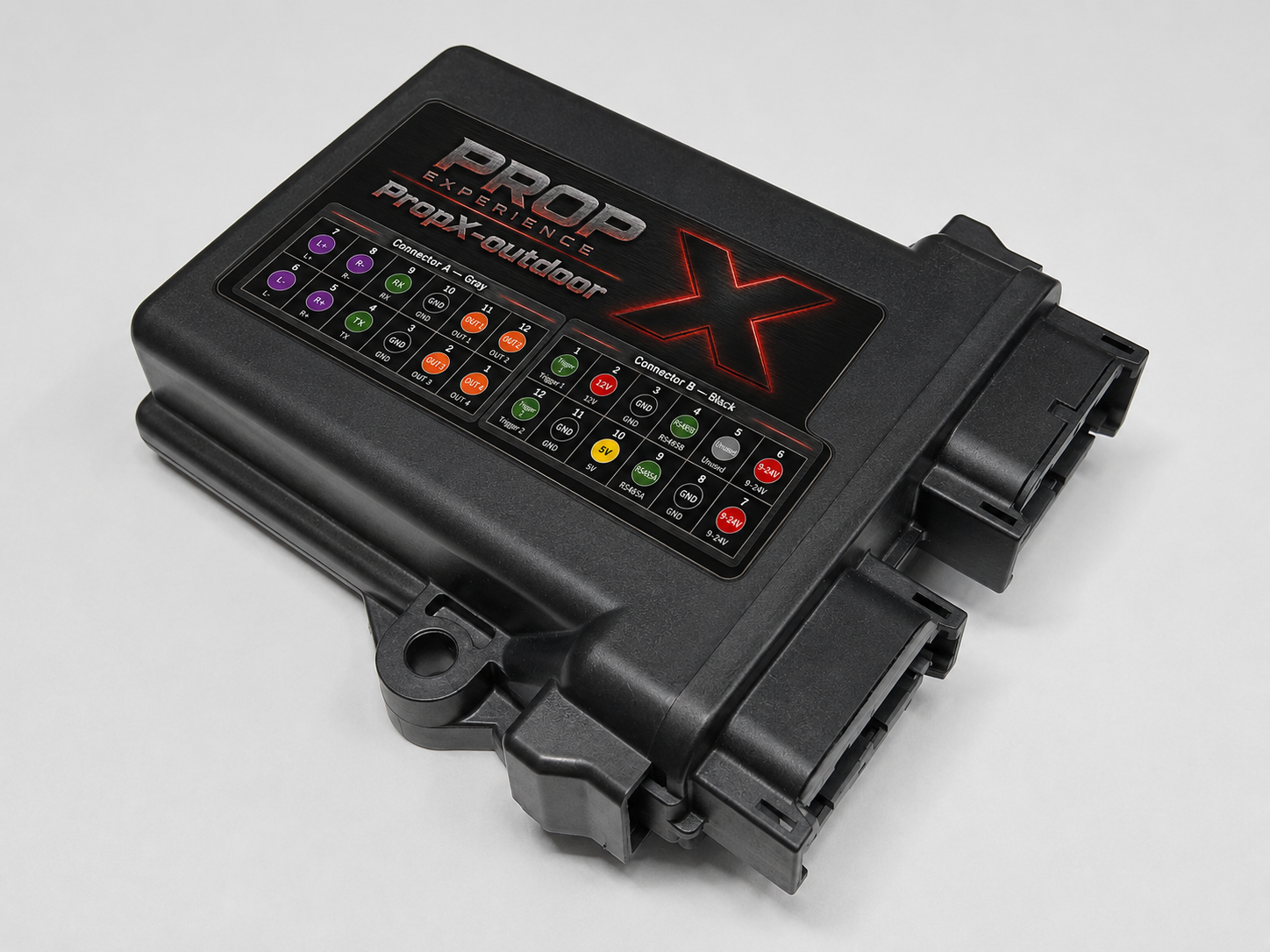
Quick StartOpen the case, pair your PropX-Outdoor over USB-C, close it back up, and wire power, audio, outputs, and inputs — before it ever sees weather.Setup guideThe complete PropX-Outdoor walkthrough: wire and test everything indoors, seal the lid and cable entries, then mount it outside with entries facing down.Device tourThe map of the PropX-Outdoor: the weather-sealed enclosure, power, output pairs, trigger inputs, 40 W audio, DMX/Mesh, and the internal DEFAULT button.
Use
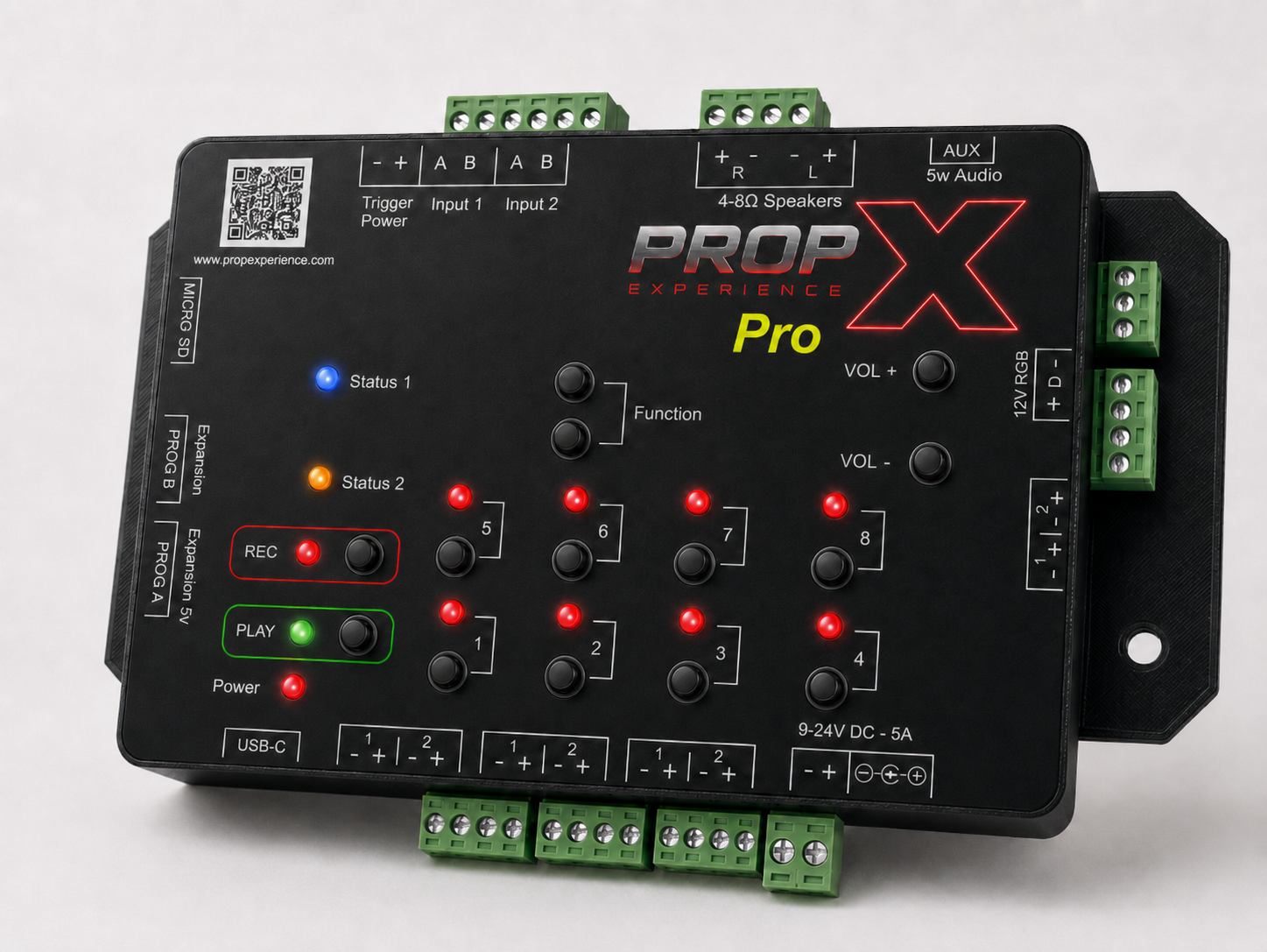
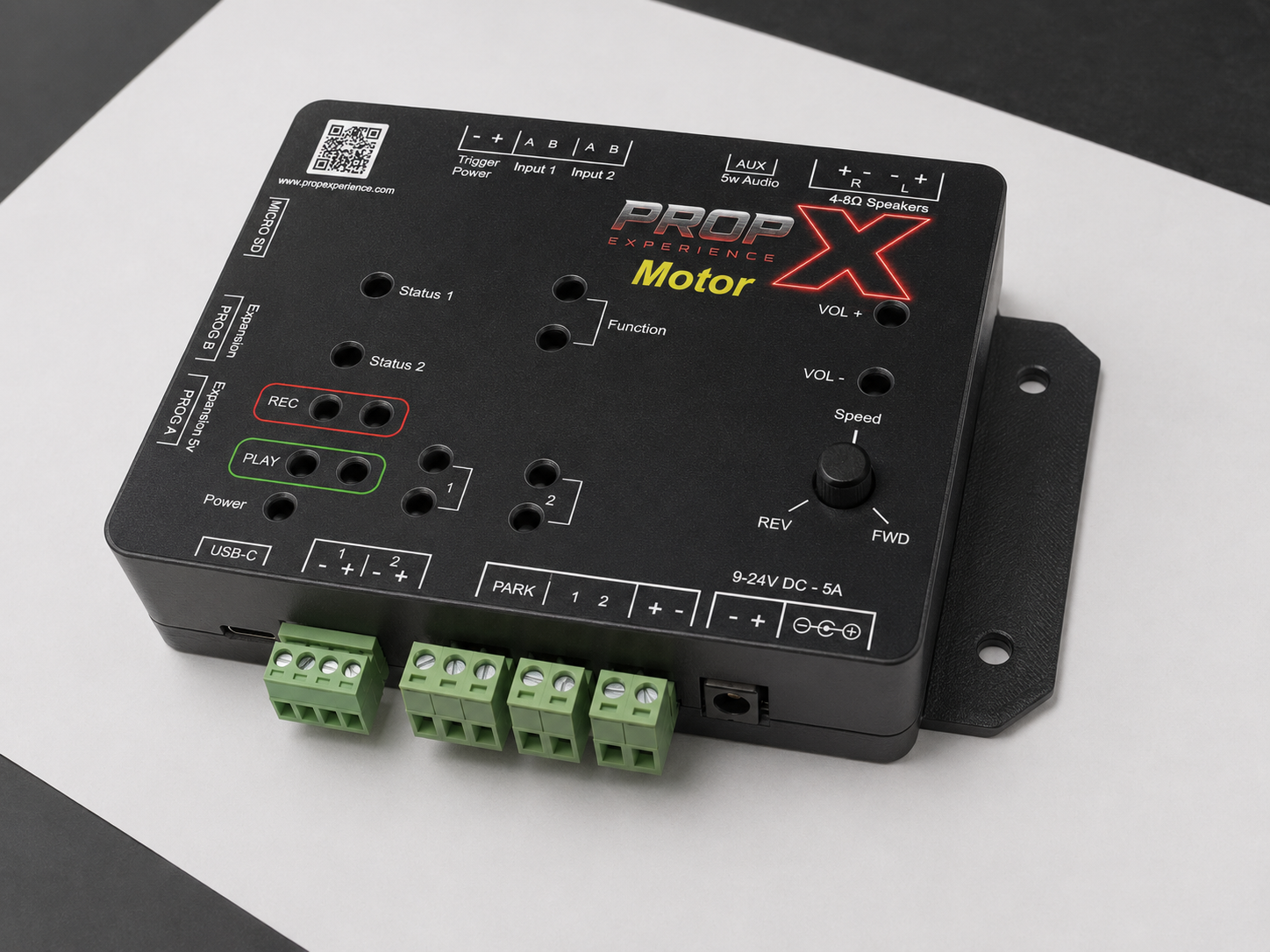
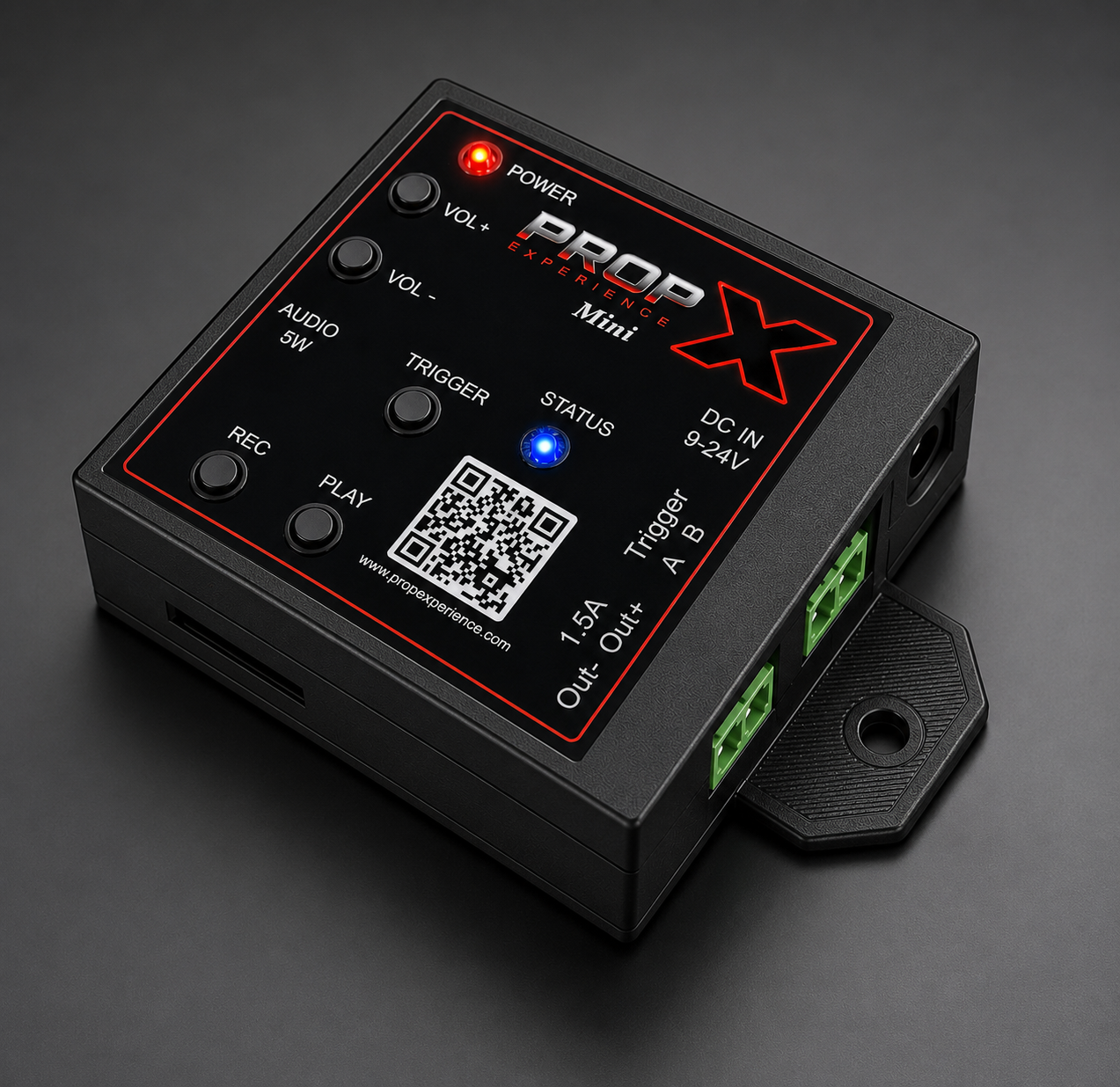
Pair your controller with the appAdd a PropX Pro, Motor, Outdoor, or Mini to the PropX Control Center app over Bluetooth — add it from the device list, then confirm pairing mode when the dialog asks. No PIN.Connect your controller to WiFiConnect a PropX Pro, Motor, Outdoor, or Mini to your WiFi network from the app — plus the 5-minute setup-network fallback when Bluetooth can't reach it.Cloud remote control (coming soon)Cloud remote monitoring and triggering for PropX Pro, Motor, Outdoor, and Mini is coming soon. Today, control your controller over Bluetooth with the PropX Control Center app.Update your controller's firmwareUpdate a PropX Pro, Motor, Outdoor, or Mini — from the app over WiFi, or from a MicroSD card — and what the green and red lights mean during an update.
Fix
Reference
SpecsFull PropX-Outdoor spec table: weather-sealed enclosure, 9–24 V DC, 1.5 A outputs, 76 W audio, DMX and PropX Mesh, WiFi and Bluetooth, 117×133 footprint.FAQReal answers for PropX-Outdoor owners: can it really live outside, where the power supply goes, weather-rated speakers, water inside, and factory resets.
Full manual (PDF) — coming soon