
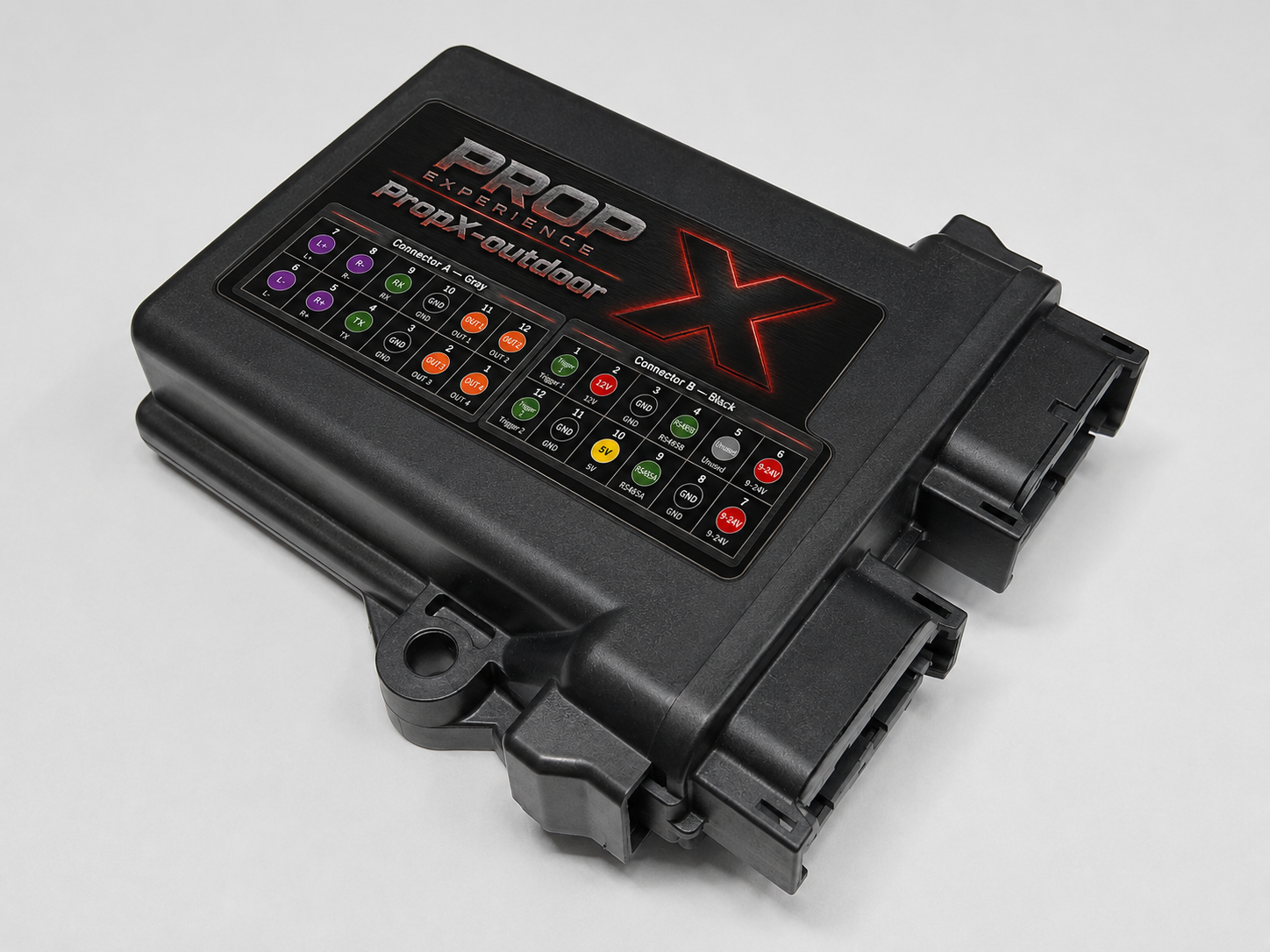
Weather problems first — they're what makes this model different.
Find your symptom
Power off. Bring it under cover, open it, and dry everything completely. Check the gasket and every cable entry before resealing — and if it happened in rain, re-route the entries to face downward.
Power off and inspect inside for moisture (above). Then check the power supply and its cable run — the supply lives out of the weather, and its exposed cable is the first suspect.
Heat soak in direct sun. Shade the enclosure and leave air space around it. (A validated operating temperature range is pending — #80.)
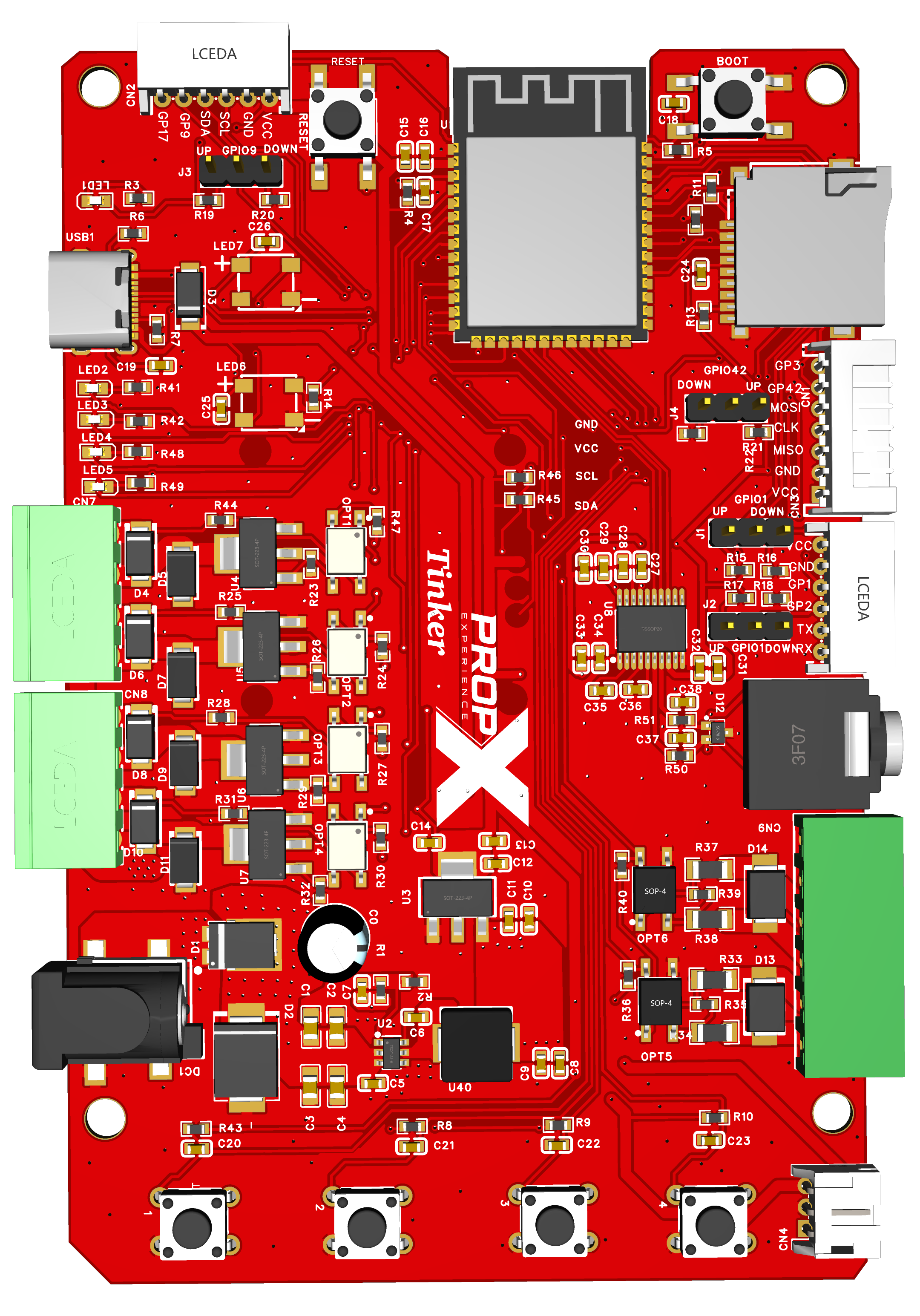
The DEFAULT button is on the board inside — open the lid indoors or under cover. The hold-30-seconds reset is a planned feature, not in current firmware — today, contact support. (Button location — #84.)
Set WiFi from the app, under your controller's WiFi settings — see WiFi setup. If it won't connect, or connects and then drops:
- Check the band. The controller only supports 2.4 GHz. If your router shows separate 2.4 GHz and 5 GHz networks, or a "smart" combined one, make sure you're joining the 2.4 GHz side.
- Double-check the password — re-enter it in the app if there's any doubt; a wrong password fails silently more often than it errors.
- Check the signal at the mounting spot, not just indoors — walls, metal siding, and distance from the router all cost range, and an outdoor mount is often the weakest link in the house.
- Router password or network name changed? Re-enter WiFi from the app; the controller won't pick up the change on its own.
No Bluetooth to reach it right now? The 5-minute setup network (propx-XXXXXX, password = the serial number on the label) is a fallback for that specific case — it lets you configure WiFi without the app, but it's not a general fix for "offline." See WiFi setup for what to do if it never appears.
- Props that won't fire, no power: re-seat the − + pair; check the full cable run (outdoors: weathered or chewed cable counts); swap + and − at the supply (harmless).
- Pairing (hold Record + Output 1 for 5 seconds until the light flashes purple, then Scan), Bluetooth range through walls: pairing.
- Cloud remote control is coming soon.
- No sound: weather-rated 4–8 Ω speaker, volume up, MP3 ≤32 MB.
- Updates: firmware updates.
What are the lights doing?
1 · Which light?
(To be verified — #79: we have not yet confirmed whether Status 1 and Status 2 are visible with the enclosure lid closed. The table below assumes you can see them; if your lid hides them, read the same states in the app instead.)
Show the full table
| What you see | What it means | What to do |
|---|---|---|
| All lights flash red → green → blue at power-on | Normal start-up | Wait for blue |
| Status 1 solid blue | Idle and ready | Nothing |
| Status 1 solid green | Ambient audio playing | Nothing |
| Status 1 solid red | Input 1's trigger is active | Clears when the trigger ends |
| Status 2 solid red | Input 2's trigger is active | Clears when the trigger ends |
| Status 2 flashing yellow/purple | An output is on but no current flows — nothing connected or a broken wire | Power off; re-check that output's wiring |
| Both status lights alternating red, fast | Overcurrent — an output was shut off (current alerts on) | Unplug the prop; keep it under 1.5 A; re-enable in the app |
| Solid green at power-on | Installing a firmware update | Wait — do not unplug |
| Blinking red at power-on | Firmware file on the card is for a different model | Get the PropX-Outdoor file |
Still stuck?
Still stuck? support@propexperience.com — include your serial number, the lights, any sign of moisture, and what the weather had been doing.
Email us — we respond within 24 hours. Include your serial number, what the lights show, and what you were doing.
support@propexperience.com