
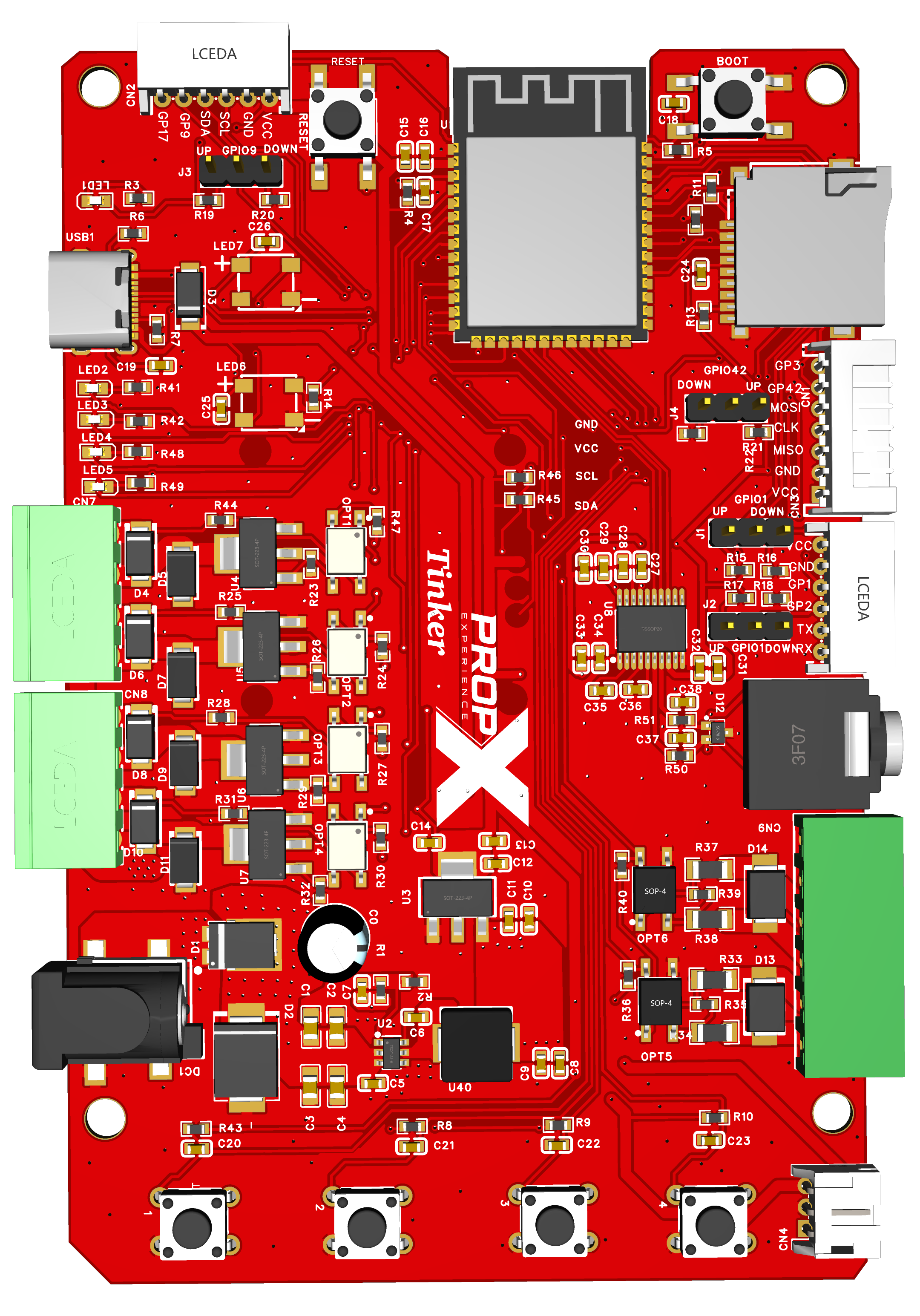
From box to typing commands at a live prompt in about fifteen minutes. The Tinker is driven from a serial console — not the PropX app.
Before you start, you’ll need
- Your PropX-Tinker board, on standoffs (small spacer posts), on a non-metal surface
- A USB-C data cable (not charge-only)
- A computer with VS Code and the PlatformIO extension (free)
- Optional: a FAT32 MicroSD card with MP3s, and powered speakers or headphones
- Time: about 15 minutes (first build downloads the toolchain)
The eight steps
Install VS Code, then the PlatformIO IDE extension.
You'll see: the PlatformIO icon in the sidebar.
Download the firmware from github.com/propexperience/tinker and open the folder in VS Code.
You'll see: PlatformIO detect the project and fetch its tools.
Plug the board in over USB-C.
Board connected to a laptop over USB-C IMG-TNK-QS-01 — photo coming soonYou'll see: the board powers from USB — no other supply needed yet.
Run:
pio run -t upload -t monitorYou'll see: compile, flash, then a banner and a
>prompt at 115200. (Upload fails? Hold BOOT, tap RESET, release BOOT, retry.)Type
gpio.You'll see: the configurable pins and their state — it's alive.
Insert your MP3 card and type
box.You'll see: folders and numbered tracks.
Type
play 1.Headphones in the audio jack IMG-TNK-QS-02 — photo coming soonYou'll hear: track 1 — through powered speakers or headphones (the jack is line level; a bare speaker won't work).
Type
stop, thenexit.You'll see: the prompt returns. Done — wiring real 12 V loads is in the setup guide; every command is in the console reference.