
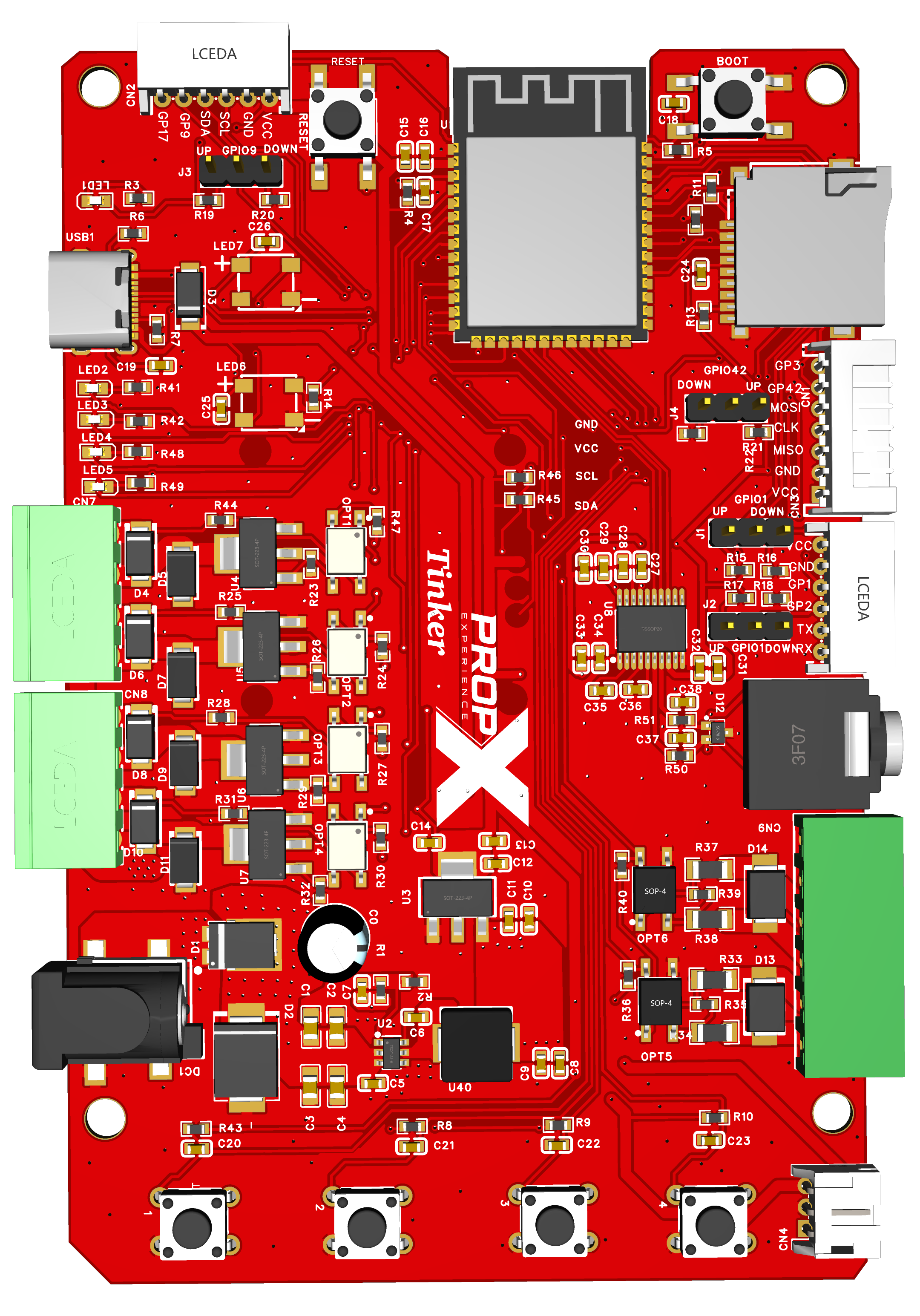
Everything on the Tinker is driven from the serial console over USB-C (115200 baud). Commands aren't case-sensitive; file names are. This replaces the app/WiFi/cloud guides the other PropX models use — the Tinker has none of those by design.
Top-level commands
| Command | What it does |
|---|---|
ls | List the MicroSD card's root folder |
mount | (Re)mount the MicroSD card |
box | Enter the MP3 player / file browser |
gpio | List the configurable pins and their state |
gpio <pin> <action> | Configure or drive a pin |
Driving pins — gpio
Pins 1, 2, 3, 9, 17, 42 reconfigure live:
| Action | Meaning |
|---|---|
in / up / down | input — floating / pulled up / pulled down |
out | output (starts LOW) |
hi / lo / tog | drive HIGH / LOW / toggle |
rd | read the level |
Example: gpio 17 out then gpio 17 hi. GPIO3 and GPIO17 have no external pull — give them up or down before trusting them as inputs.
Playing music — box
Needs a mounted FAT32 card:
| Command | What it does |
|---|---|
ls / cd <dir> / cd .. | browse folders (MP3s are numbered) |
play <n> / stop | play track n / stop |
vol <1-20> | volume (20 = loudest) |
exit | leave the browser |
Dot-files are skipped. Audio is line level — powered speakers or headphones.
Buttons and the RGB light
The four buttons print press/release events; two cycle the RGB light through ten colors (which two — #99).
Updating (or replacing) the firmware
No over-the-air updates: pull the latest from github.com/propexperience/tinker and pio run -t upload. Won't take an upload? Hold BOOT, tap RESET, release BOOT, retry.
It's open source. Read it, change it (src/main.cpp is the whole firmware), contribute back via the repo's CONTRIBUTING.md. (License being finalized — #89.)
⚠️ Warning: custom firmware replaces everything on these pages, including safe defaults like outputs-off-at-boot.