
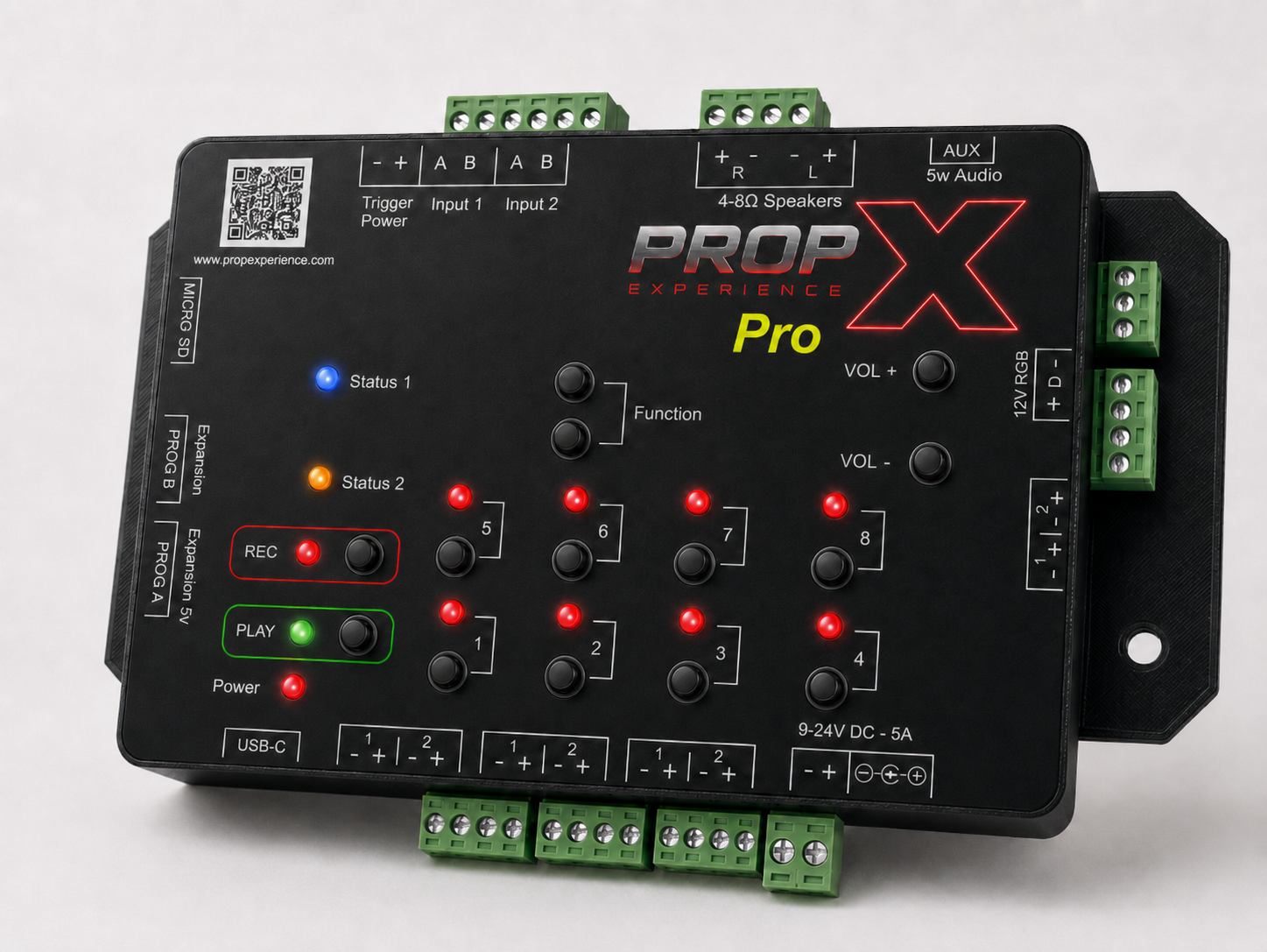
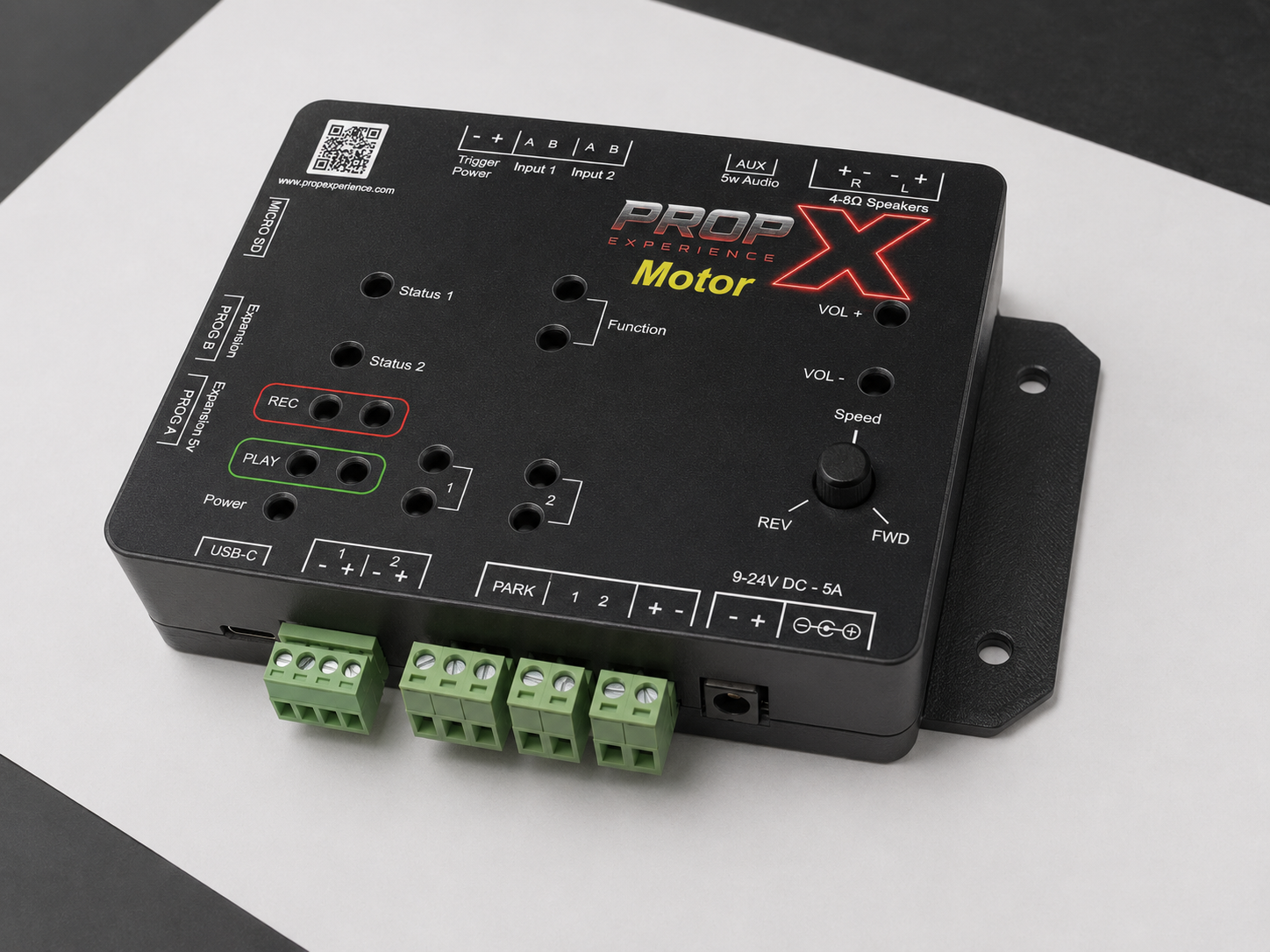
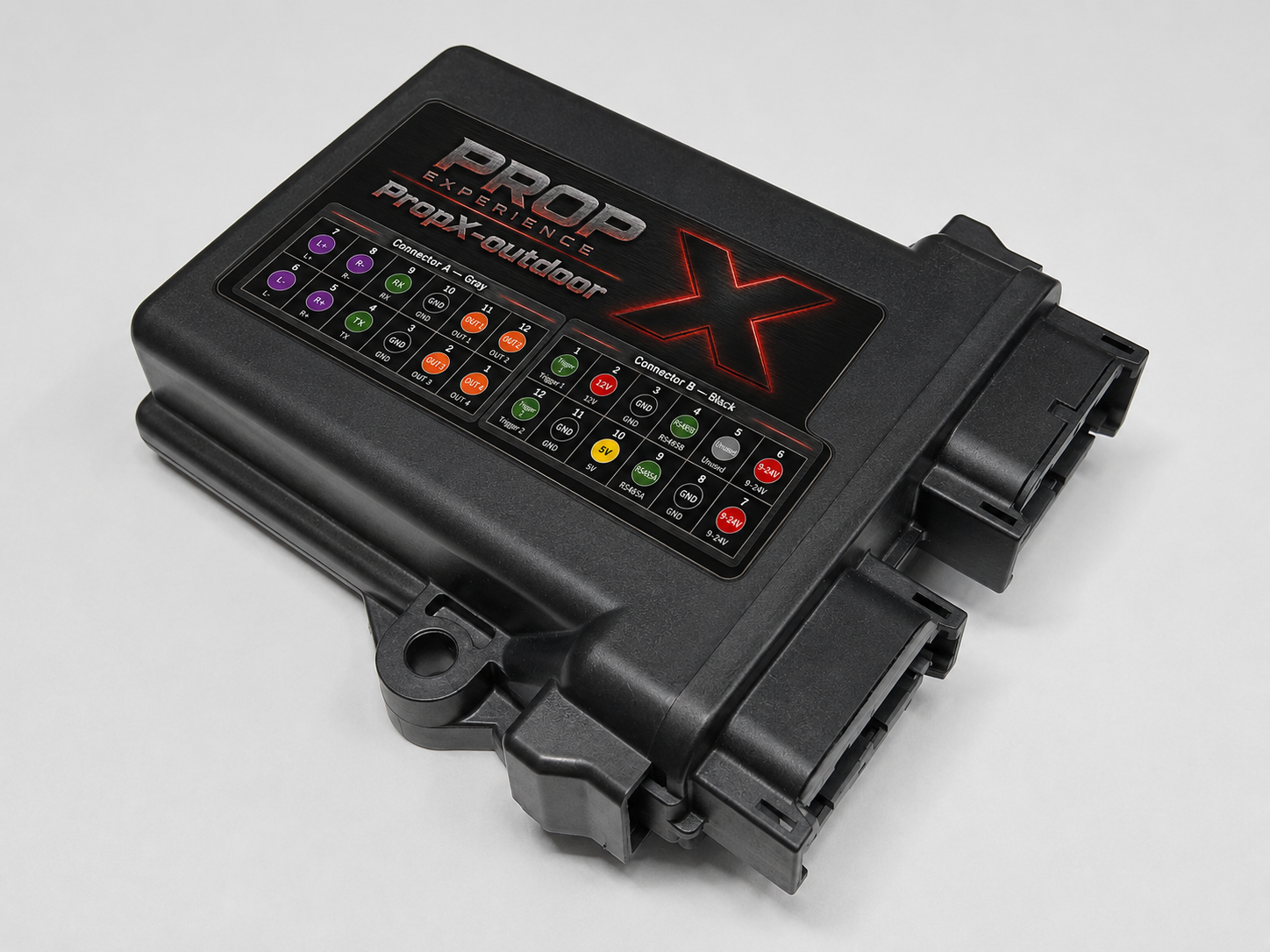
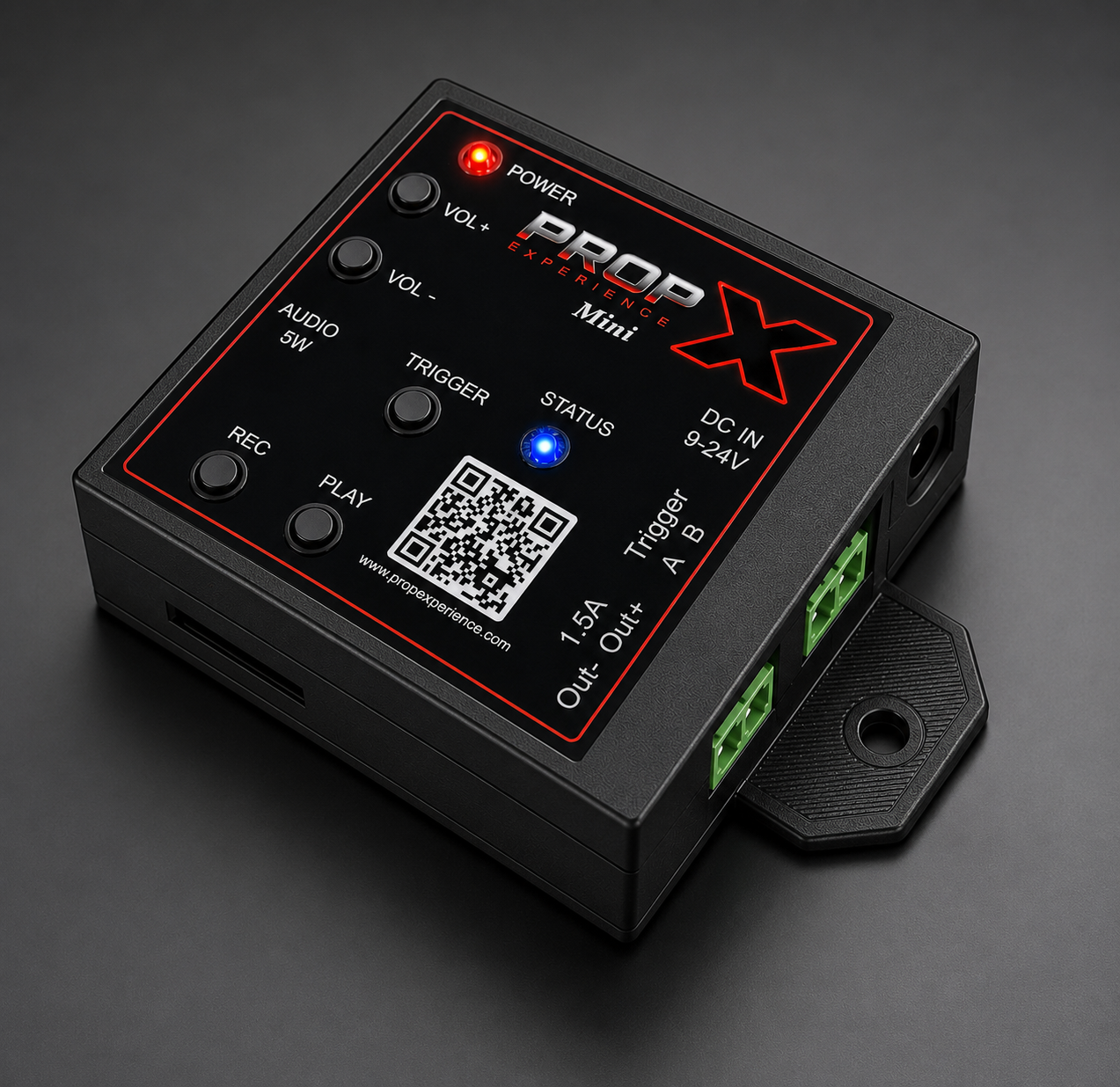
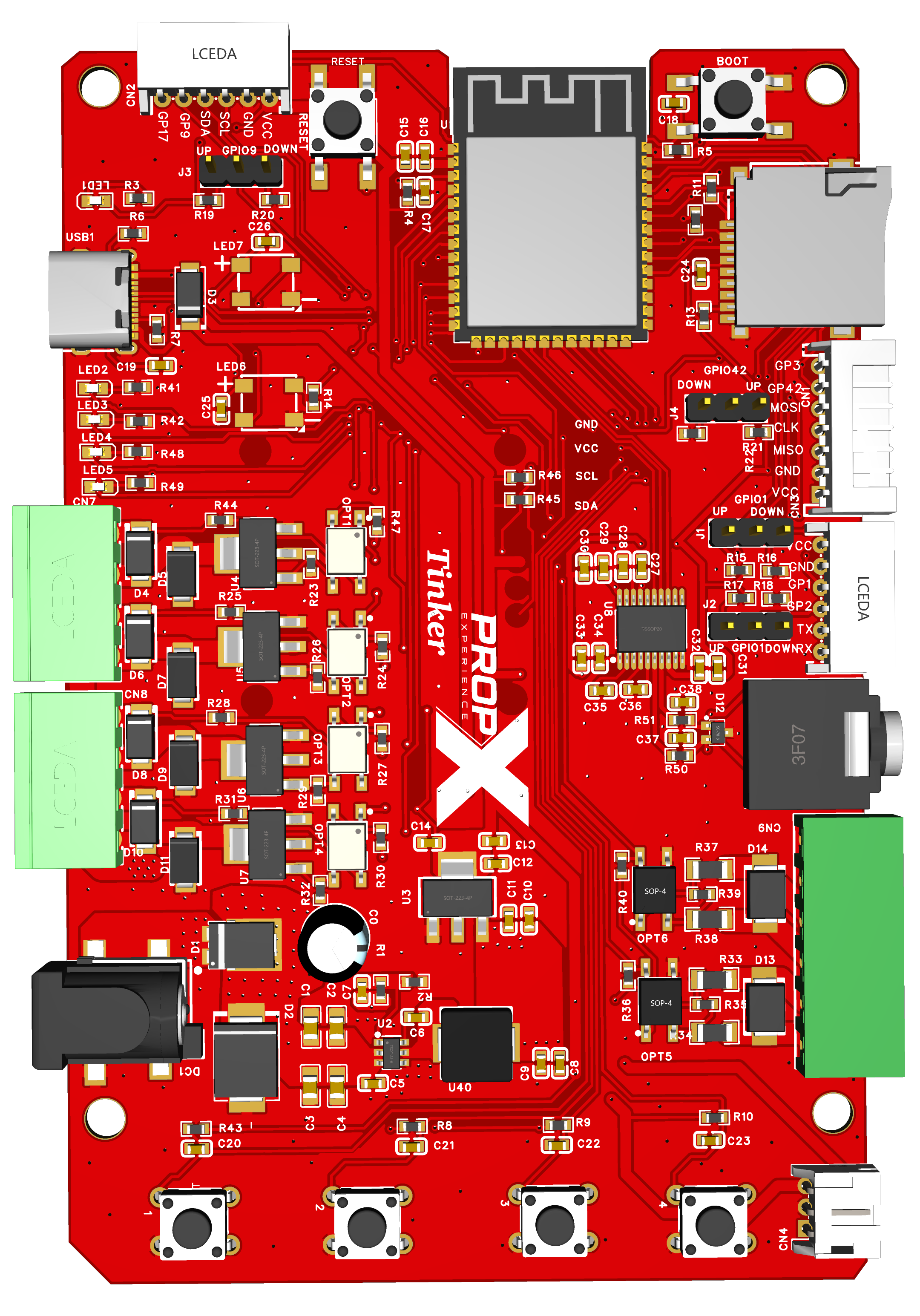
One prop, done simply: one output, one trigger, and sound in a 2.5" × 2.5" box — you program your show right on the box with the face buttons.
Yes — the Mini works fully offline: record and run shows with the face buttons. Nothing to install, nothing to connect.
Yes — 9 to 24 volts DC on the DC IN jack; never above 24 volts. The DC IN supply is what fires the output, so it is required to run a prop.
The USB-C port on the right-hand side powers the audio section only — it will not run the output. To fire a prop you still need a 9–24 V DC supply on the DC IN jack.
The Mini switches the − side (low-side). Your prop's + goes to your supply's +; the output completes the − side when it turns on.
Not directly — use an external relay with its own supply.
One switched output = one prop circuit, though a show can pair it with sound. For multiple independent props: a PropX-Pro, or more Minis.
The face TRIGGER button fires the output by hand; PLAY runs your recorded show.
Copy MP3 files onto the SD card — the slot is on the side of the case, and the card goes in upside down. Name your show's sound trigger1.mp3: that's the file that plays when you record and run your show, through the 5-watt output into a small speaker or headphones.
Yes. Add a file named ambient_default.mp3 to the SD card and the Mini loops it continuously while idle — no app needed. When your show fires, the show sound plays over the ambient loop, then the loop resumes when the show finishes.
No — use the PropX-Outdoor.
No — the Mini has no DMX, mesh, or LED-strip ports.
Coming soon. The PropX Control Center app — multi-step shows, sound management, WiFi, and cloud remote control — is being released soon; today the Mini is programmed with its face buttons, and everything you record on the box will carry over.
On the label on the case.