
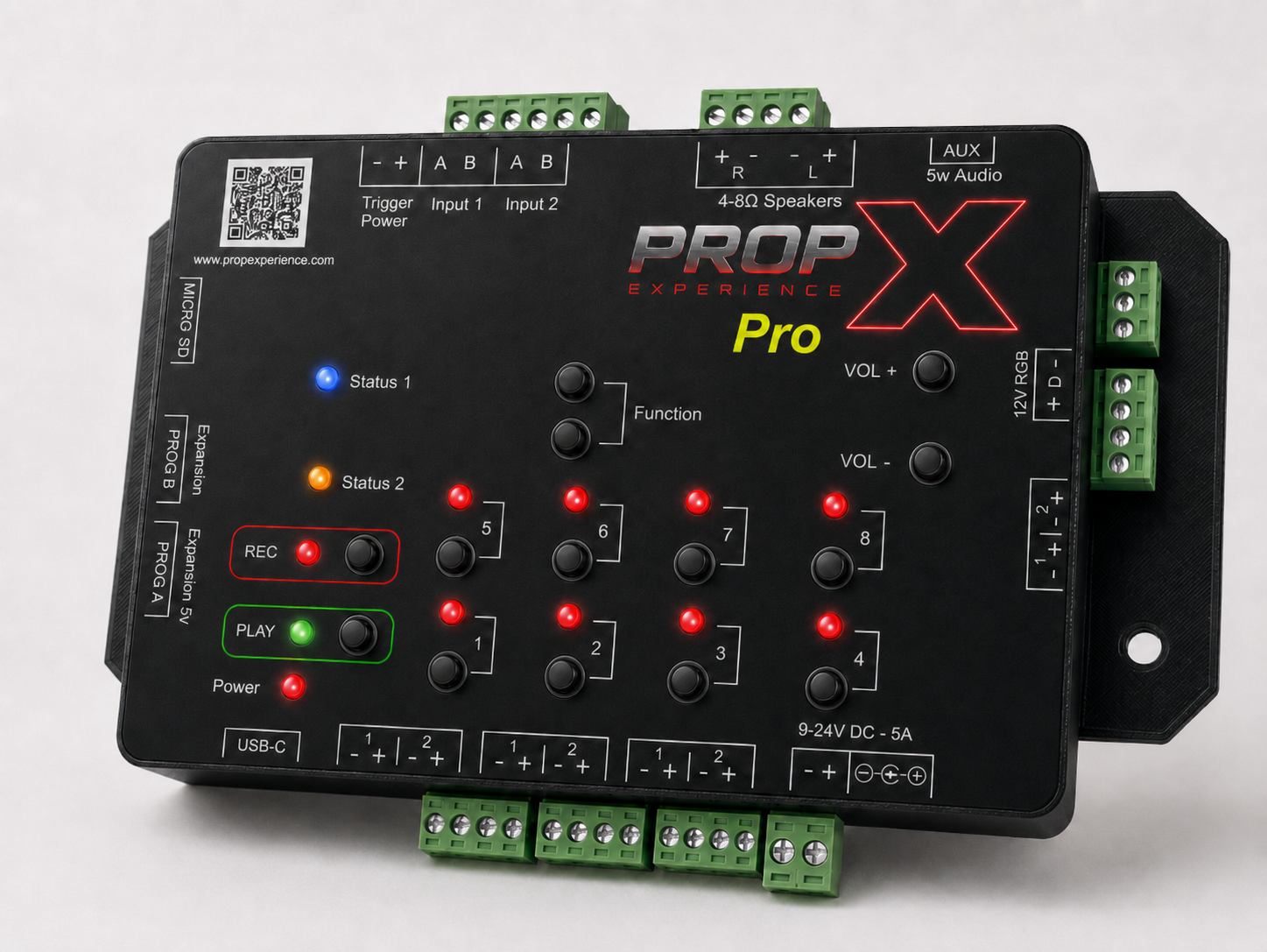
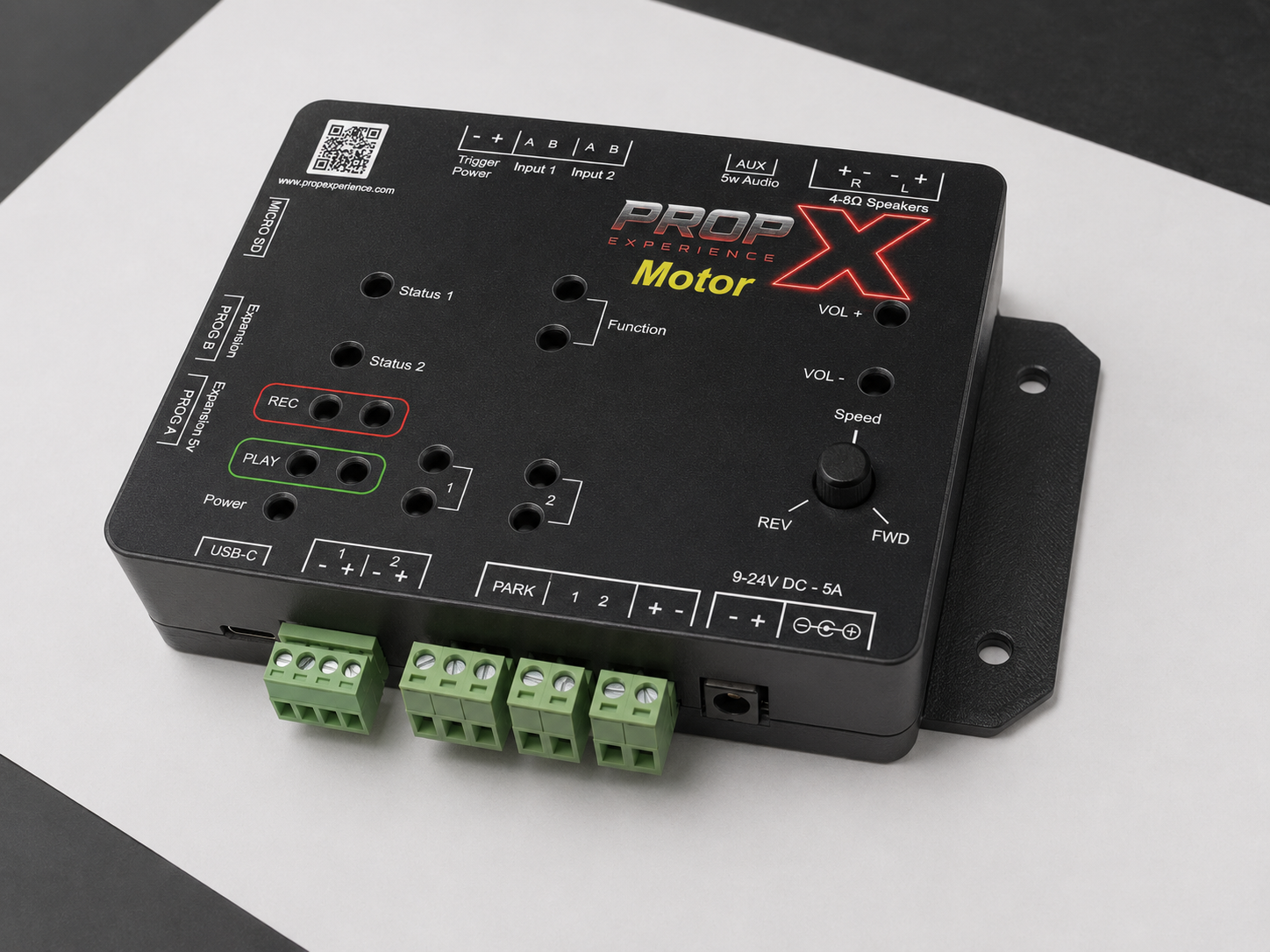
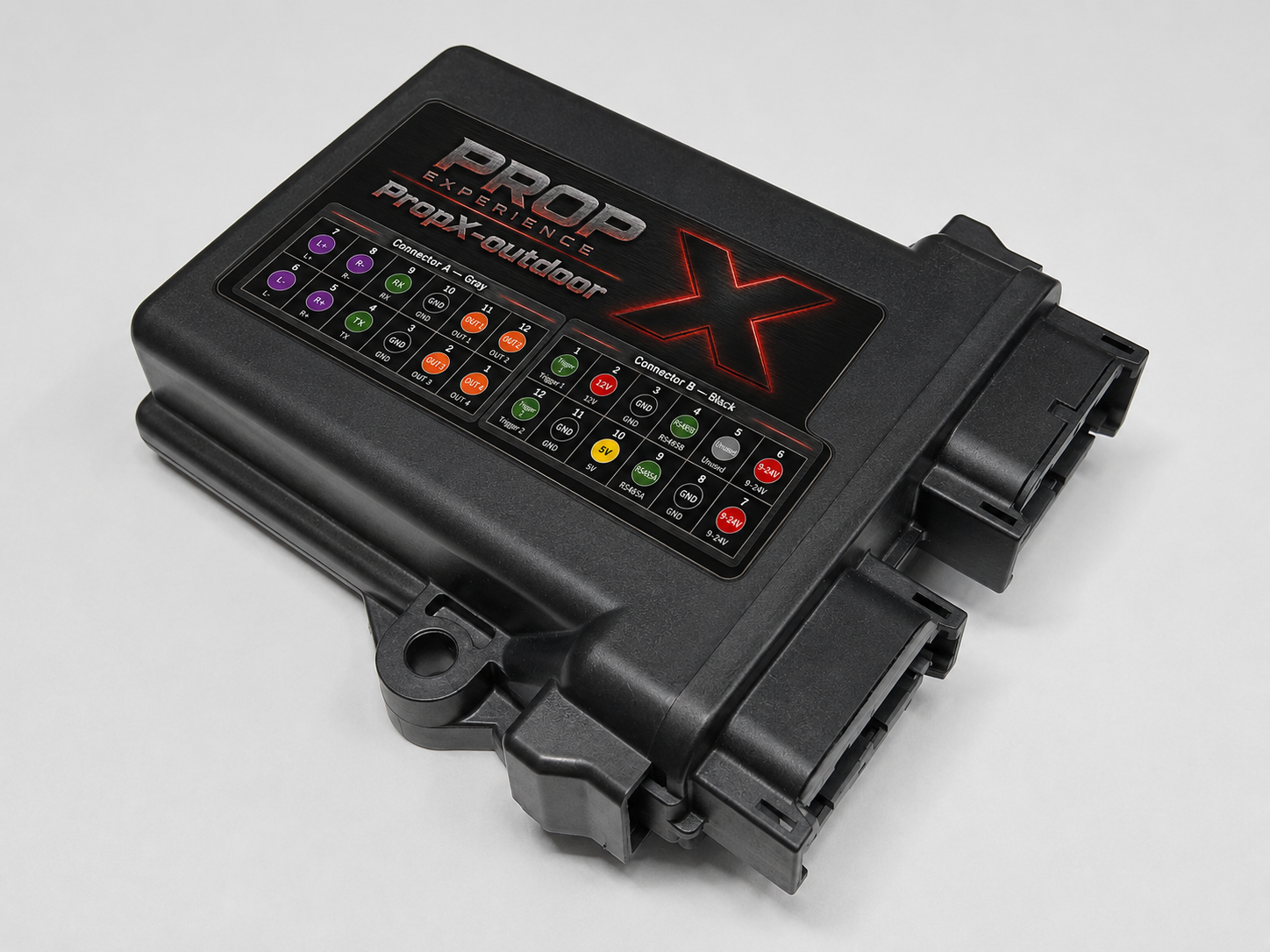
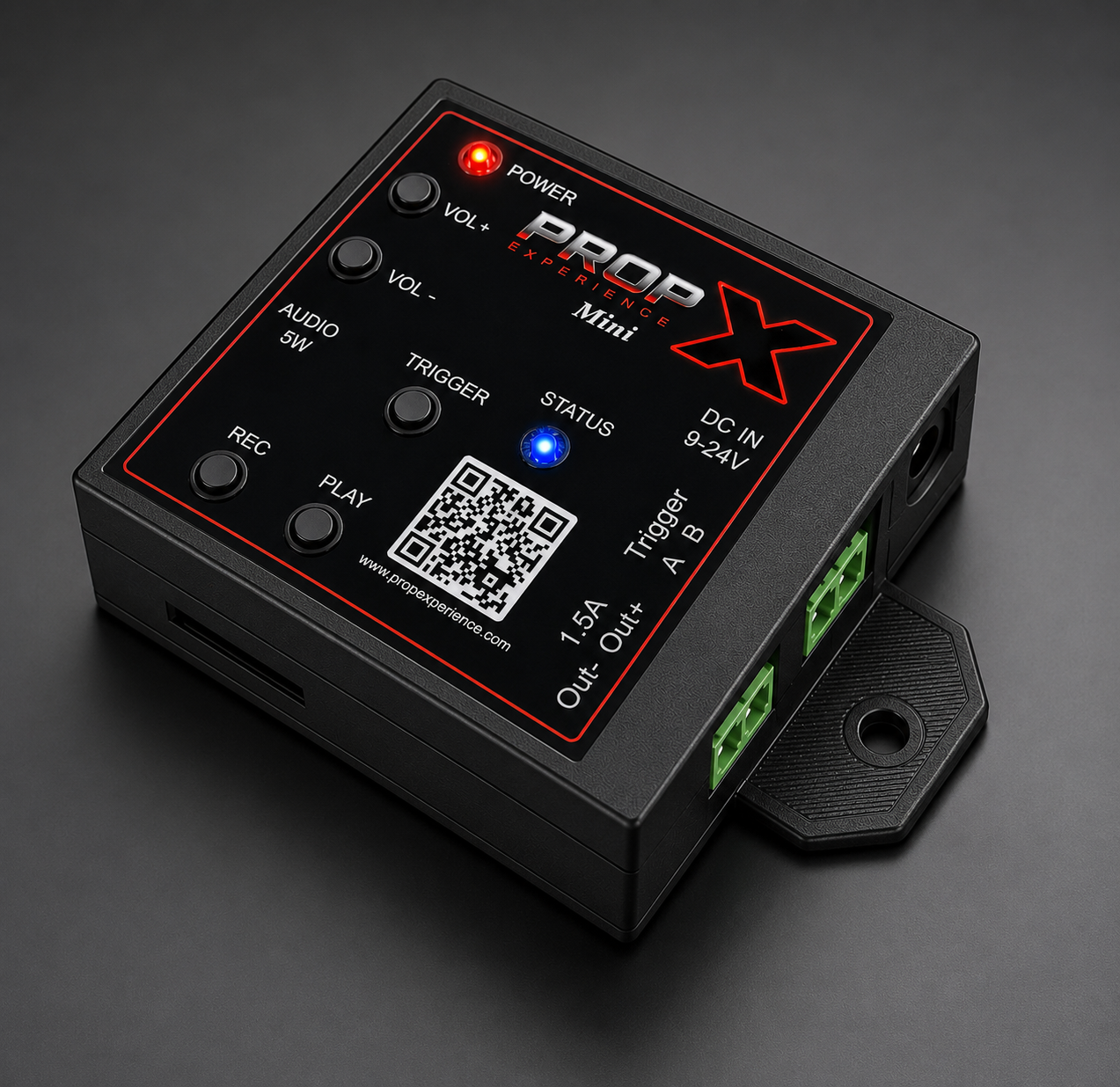
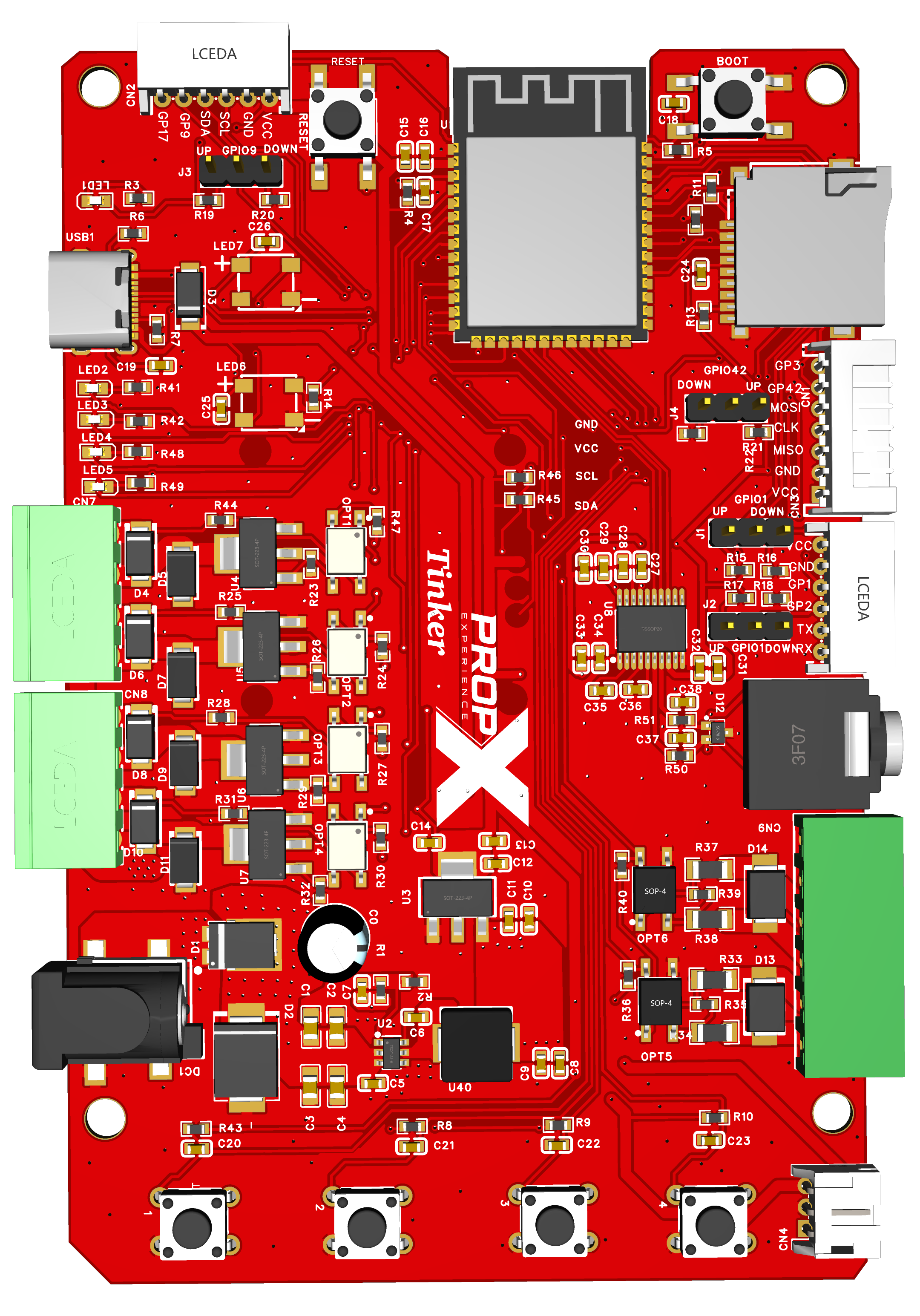
Applies to: PropX-Pro, PropX-Motor, PropX-Outdoor, PropX-Mini. WiFi is optional — it enables app firmware updates, and gets your controller ready for cloud remote control (coming soon).
Before you start, you’ll need
- Your controller paired with the app
- Your WiFi network's name and password
- Time: about 2 minutes
From the app (the normal way)
In the app, open your controller's WiFi settings.
Choose your network and enter its password.
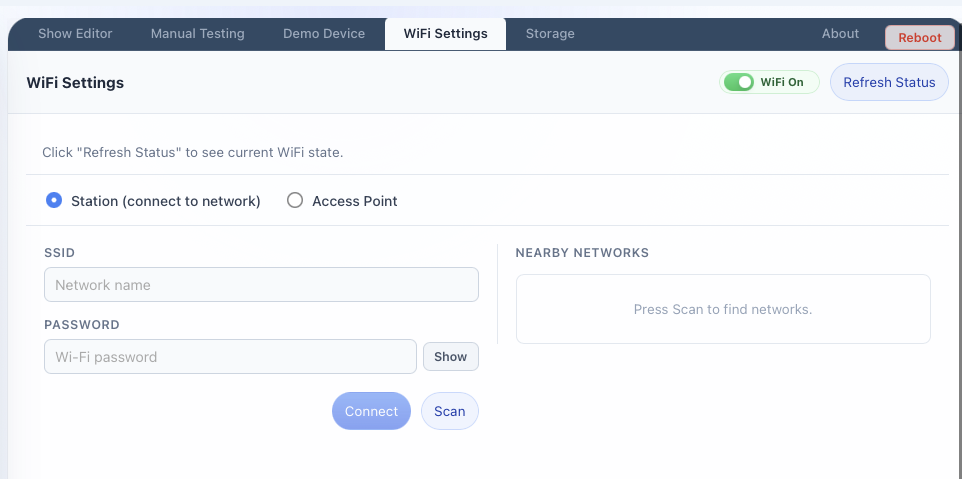
You'll see: the app report the controller connected to your network.
If WiFi later drops, the controller keeps retrying on its own — see "offline in the cloud" on your model's troubleshooting page.
No Bluetooth? Use the setup network
For 5 minutes after power-on, an unconfigured controller broadcasts its own temporary WiFi network — the setup network:
- Name:
propx-plus six letters and numbers - Password: the serial number printed on the controller's label
Join it from your computer, then set up WiFi from the app. Missed the 5-minute window? Unplug the controller, plug it back in — the window restarts. (Exact in-app steps for this path are being confirmed — #59.)
The setup network never appears?
The window only opens when the controller has no WiFi settings yet. If it's already configured, change WiFi from the app instead — or see your model's troubleshooting page.