
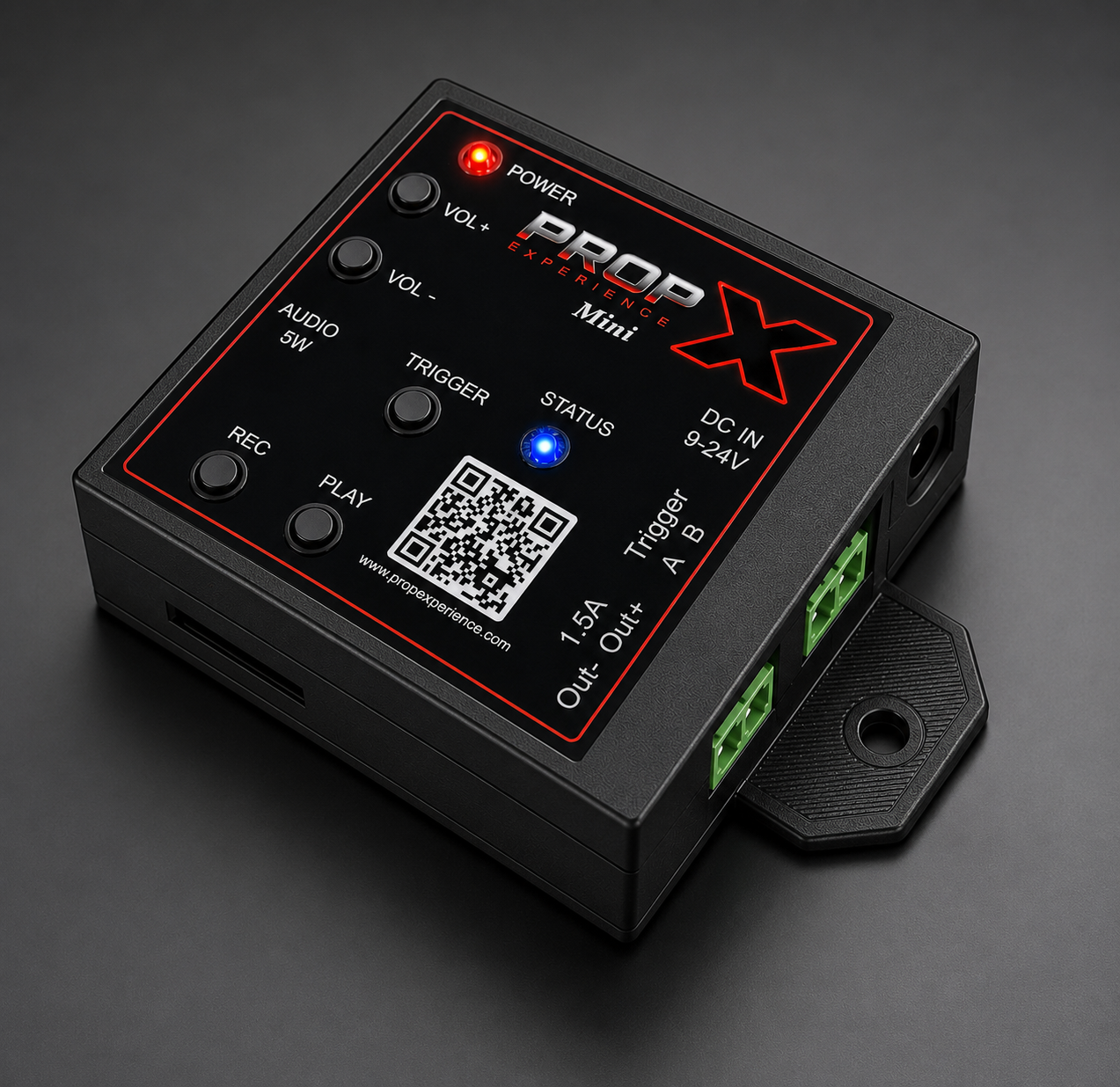
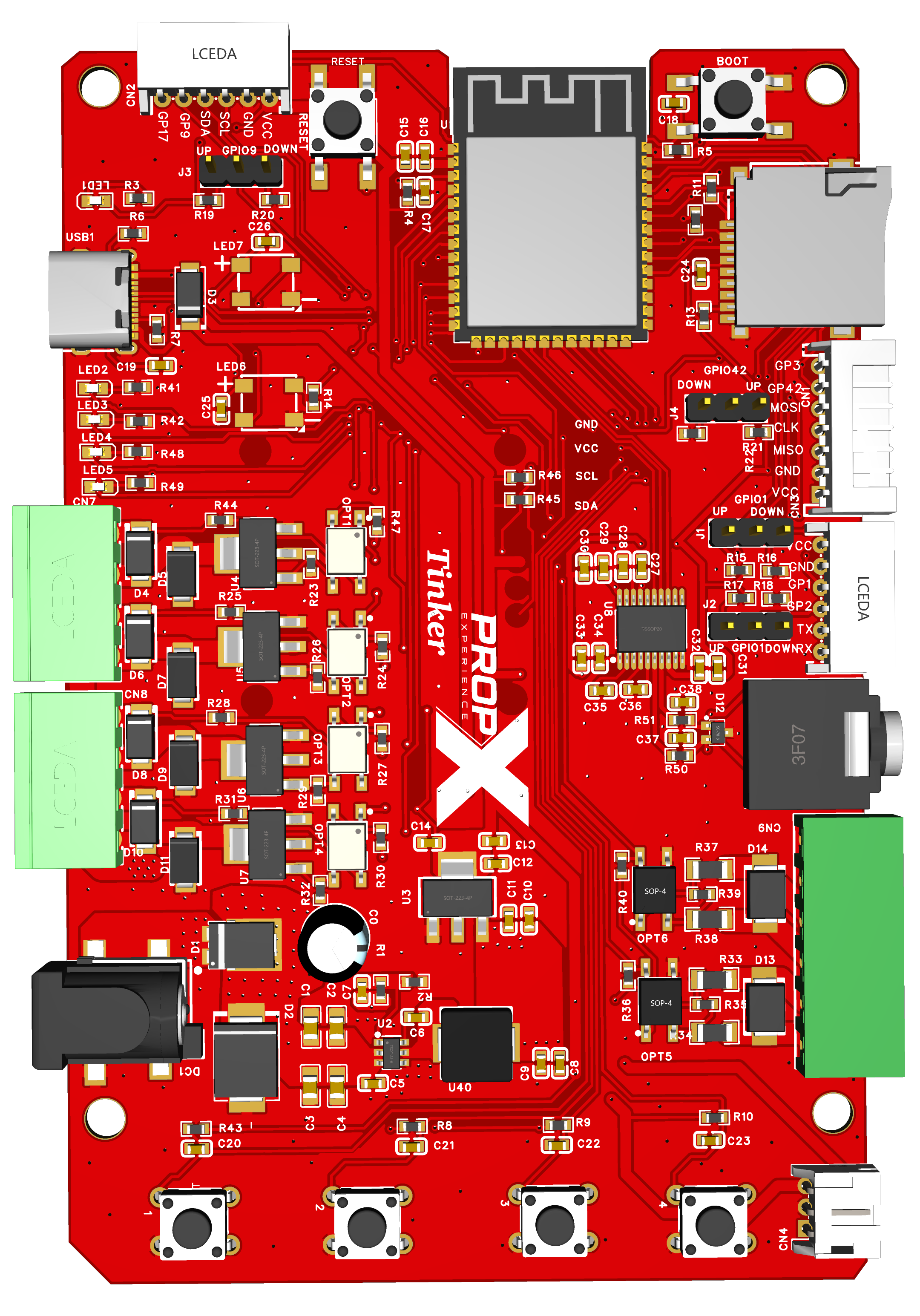
Start with the lights, then the wiring — the Mini's low-side output is the most common first-day stumble.
⚠️ Warning: Service notice for convention units — if your PropX-Mini has a serial number between 45 and 65, or never reaches a solid blue status light when powered on, it may need a firmware update or replacement. Please contact support@propexperience.com with your serial number; we will provide updated firmware or ship a replacement free of charge.
What are the lights doing?
1 · Which light?
The Mini has a single status light, so it can only show one thing at a time — if two conditions are true at once, the more urgent one wins (a real fault always beats a "just informational" state).
Recording (orange) and an overcurrent fault (red) both flash at close to the same rate — color is the only difference, so look closely if you're not sure which one you're seeing.
Show the full table
| What you see | What it means | What to do |
|---|---|---|
| POWER light on | Controller has power | Nothing |
| Lights flash red → green → blue at power-on | Normal start-up | Wait for blue |
| STATUS solid blue | Idle, nothing playing | Nothing |
| STATUS solid green | A trigger program or its audio is running | Nothing |
| STATUS flashing orange | Recording in progress | Normal if expected |
| STATUS flashing yellow/purple | The output is on but no current flows — nothing connected or a broken wire | Power off; re-check the output's wiring |
| STATUS flashing red | Overcurrent trip on the output (over 1.4 A) | The output is cut immediately — check it for a short or overload; clears 10 seconds after current returns to normal |
| STATUS flashing yellow, nothing else going on | Manual output-test mode (Output 1 held 10 seconds) | Press Play or Record to exit |
| STATUS flashing red/orange/yellow | Factory-reset countdown in progress | Release the reset buttons now if this wasn't intended |
| STATUS solid red | Factory reset just triggered | Wait for reboot |
| STATUS flashing light blue at power-on | Installing a firmware update from a MicroSD card | Wait — do not unplug |
| STATUS green, 3 blinks at power-on | Firmware update installed — rebooting | Wait for reboot |
| STATUS red, 6 blinks at power-on | No usable firmware file found on the card (wrong model or a corrupt file) | Check you have the PropX-Mini file |
Find your symptom
On the Mini, the prop must sit between your supply's + and the output — the output completes the − side. If you wired the prop straight across the Out1 terminals expecting them to source power, it won't fire. Power off and rewire per the device tour.
Check the DC IN supply is 9–24 V DC — the output needs it to fire, and USB-C powers the audio only. Swap the + and − supply wires (reversed power is blocked harmlessly) and retry.
Press VOL +; check your MP3s are on the SD card (the card goes in upside down, and your show's default sound is trigger1.mp3); re-seat the speaker connection. Files must be MP3 (size limits — #104). Remember the output is 5 watts — a small speaker, not a stadium horn.
Hold REC for a full 2 seconds — a shorter press while idle does nothing. Recording has started when the STATUS light flashes orange and your sound plays. Press REC again (a normal press) to stop and save.
WiFi is set up from the PropX app, which is coming soon for the Mini — once it's out, use the same checks as the rest of the PropX family:
- Check the band. The Mini only supports 2.4 GHz. If your router shows separate 2.4 GHz and 5 GHz networks, or a "smart" combined one, make sure you're joining the 2.4 GHz side.
- Double-check the password — re-enter it in the app if there's any doubt; a wrong password fails silently more often than it errors.
- Move it closer to the router, at least for setup — weak signal causes both failed connections and later drop-outs.
- Router password or network name changed? Re-enter WiFi from the app; the controller won't pick up the change on its own.
Still stuck?
Still stuck? support@propexperience.com — serial number, what the lights show, what you were doing.
Email us — we respond within 24 hours. Include your serial number, what the lights show, and what you were doing.
support@propexperience.com