
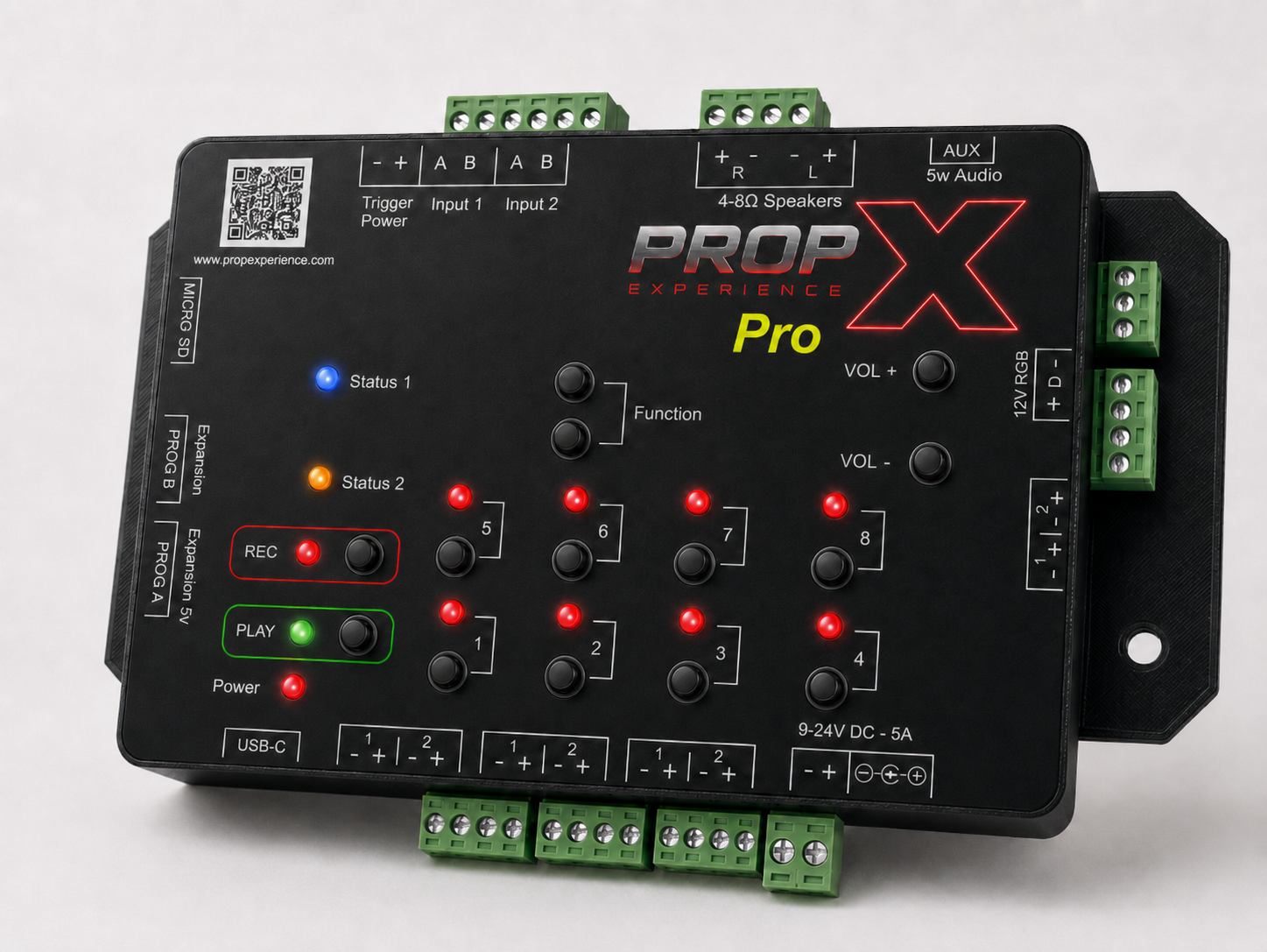
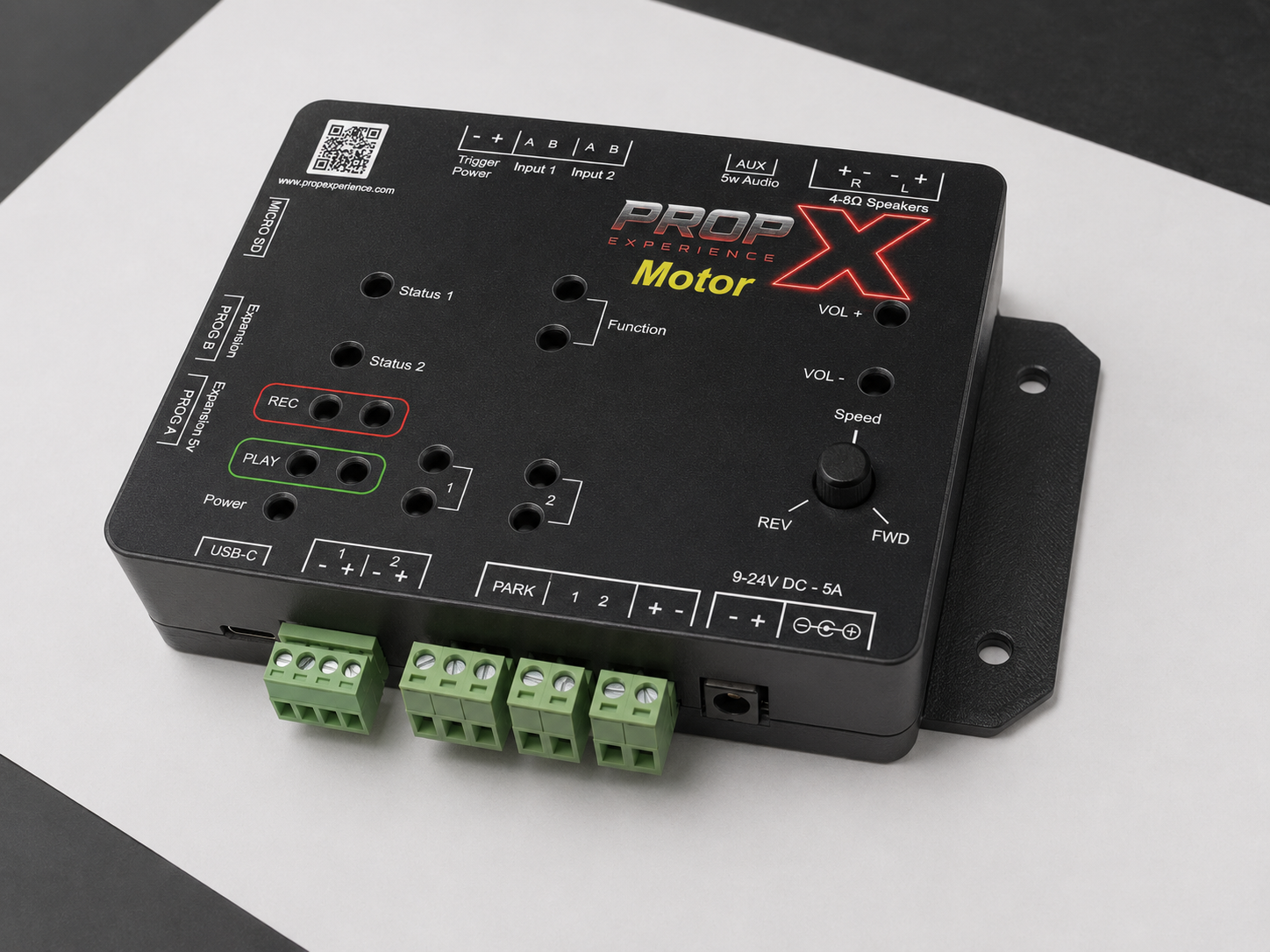
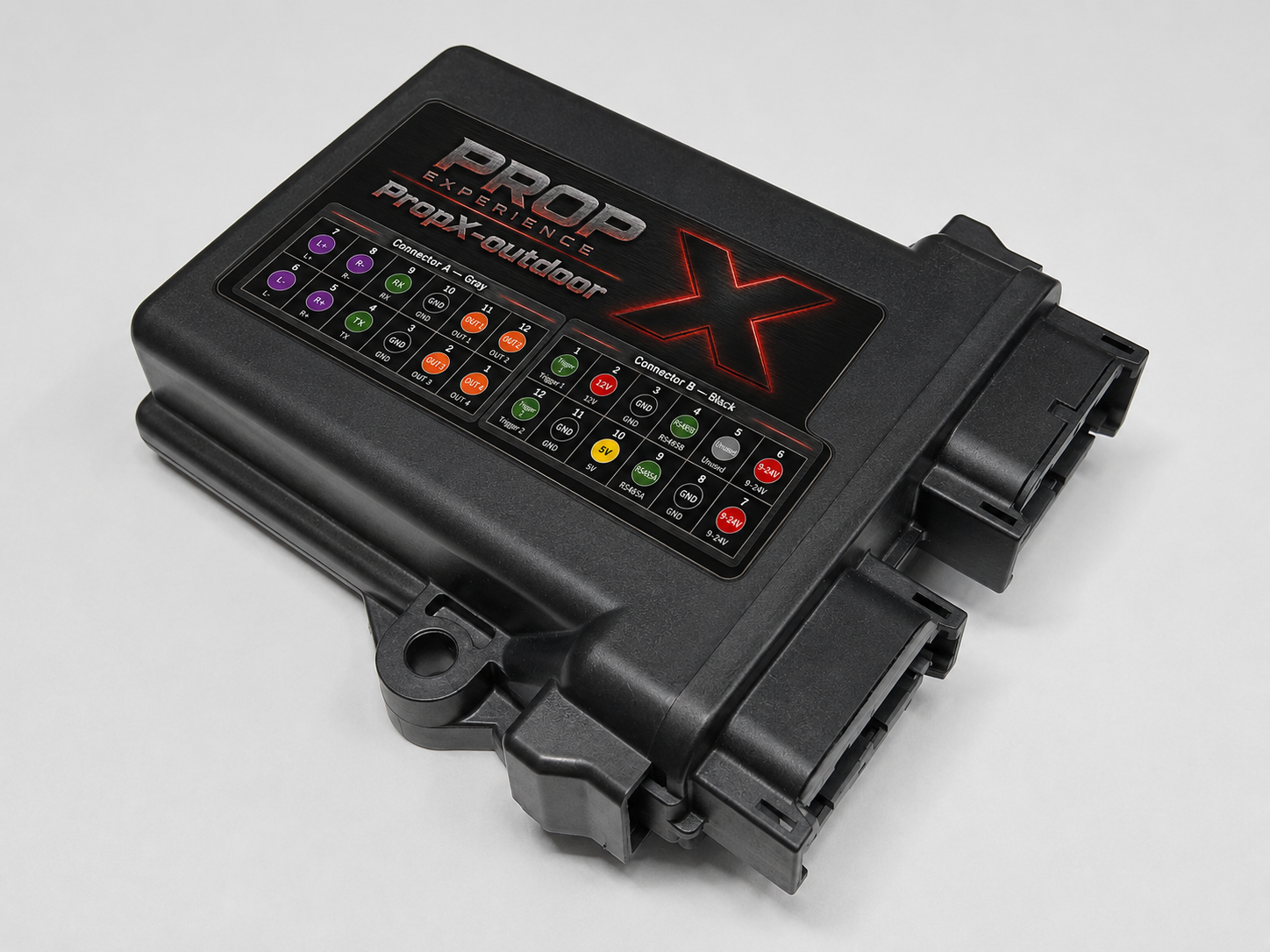
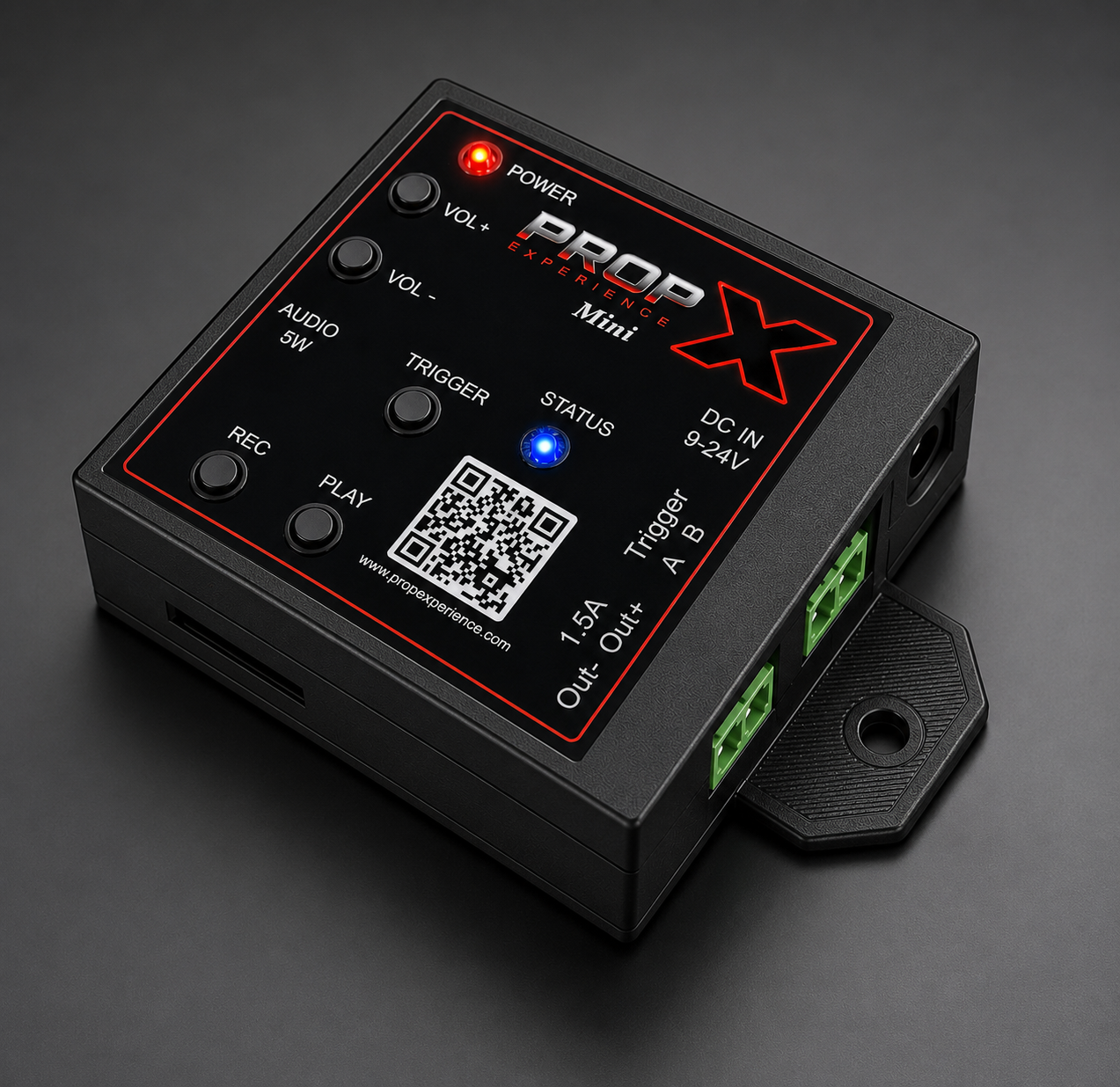
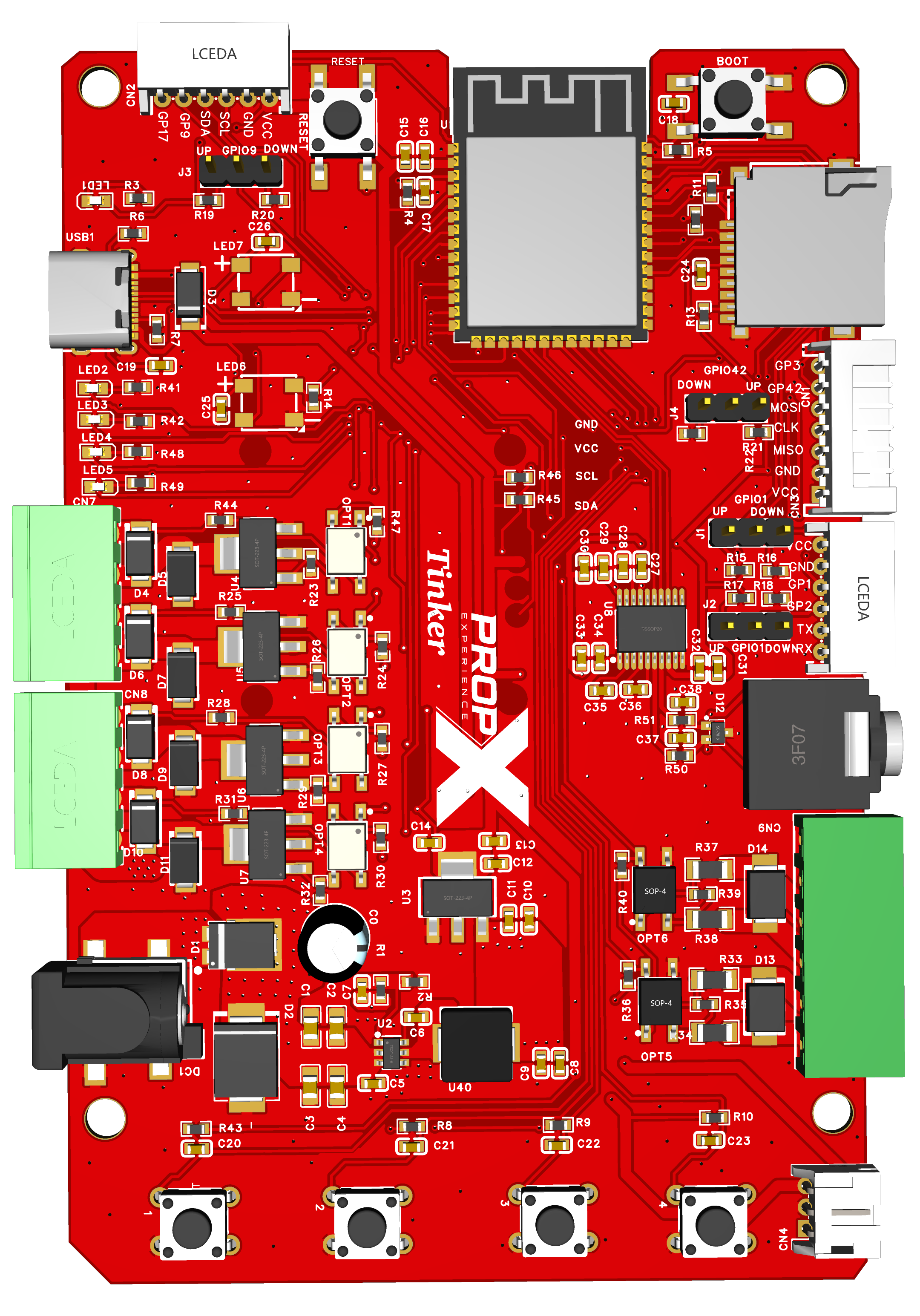
Work top to bottom in each group.
Find your symptom
A charge-only USB-C cable is the usual cause — use a known data cable and another port. Garbage in the monitor? Set it to 115200 baud.
The chip isn't in firmware-loading mode: hold BOOT, tap RESET, release BOOT, upload again. No > prompt after flashing? Press RESET with the monitor open.
The outputs are active-LOW on purpose: driving the GPIO LOW turns the load ON; pulled-up idle = OFF (so a resetting board never fires your loads). Invert your logic — see the repo's hardware reference.
Check the 9–24 V load supply is connected and on, and that the load is wired between the connector's 12 V pin and an OUT pin — not across the two OUT pins.
Voltage kick-back from an inductive load. Add a flyback diode across the load before replacing anything.
It's floating — GPIO3 and GPIO17 have no pull resistor. gpio <pin> up (or down), or fit the jumper (J1–J4) for pins that have one.
The jack is line level — a bare speaker won't work. Use powered speakers or headphones and vol 20. Card problems: FAT32 only, mount, and dot-files are hidden on purpose.
Power off, re-seat the module matching VCC/GND/SDA/SCL, and check its I²C address (0x3C standard, some modules are 0x3D).
Expected — custom firmware replaces stock behavior. Pull the repo fresh and pio run -t upload to get back to stock. Bugs and questions: the repo's issue tracker.
Still stuck?
Still stuck? support@propexperience.com — say whether you're on stock or modified firmware, and paste the console command and output.
Email us — we respond within 24 hours. Include your serial number, what the lights show, and what you were doing.
support@propexperience.com